
Tech
pdf2md.net vs a full document converter suite for PDF to Markdown
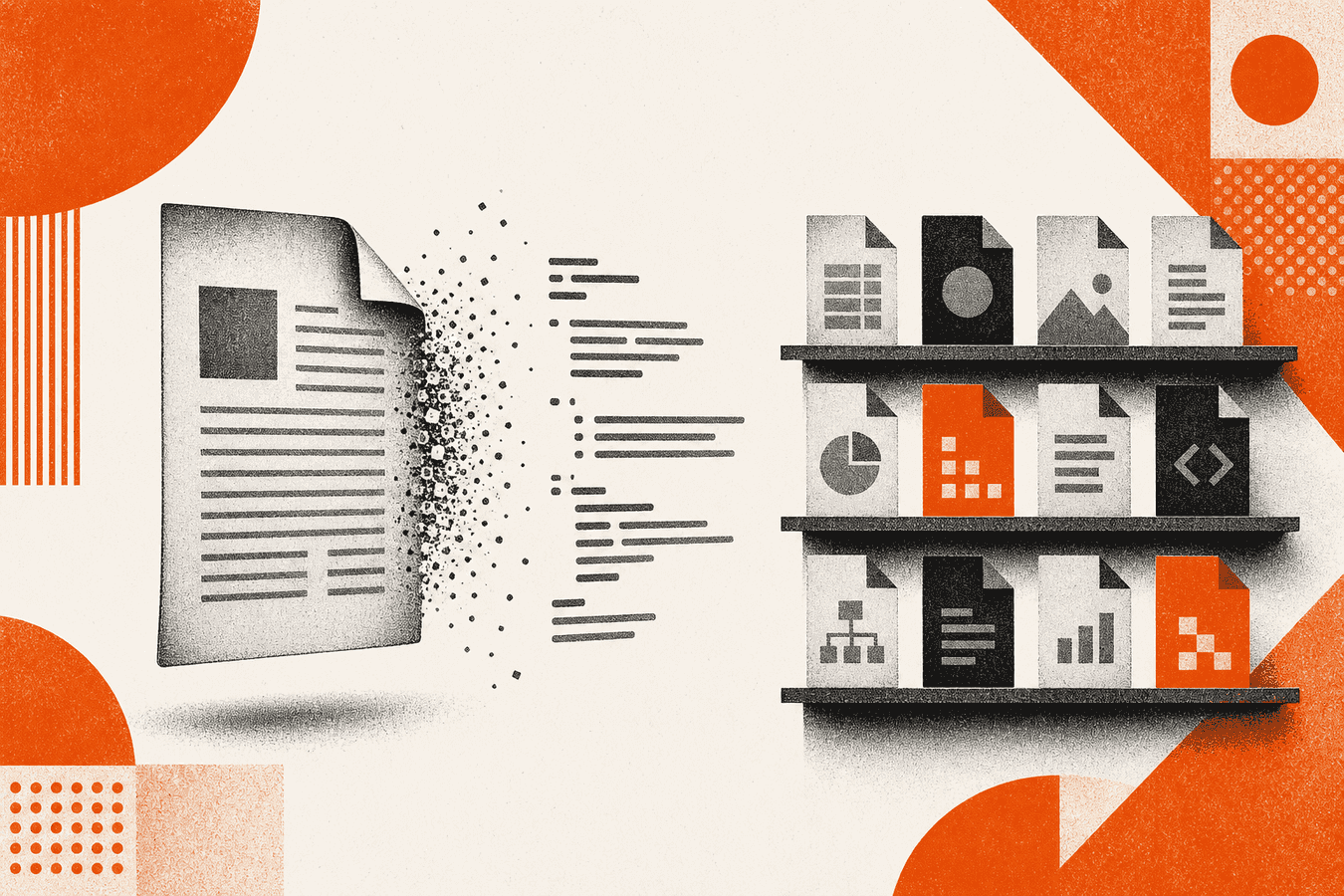
Search volume for "pdf to markdown converter" is large and still climbing. Within that cluster, some people want a single-purpose site such as pdf2md.net: one input type, one output type, minimal chrome. Others hit the same search but will need merge, compress, handwriting OCR, or Word conversion in the same week. A full suite such as Toolsy trades focus for breadth. Neither shape is universally better. Single-purpose tools win on clarity and speed when PDF to Markdown is the only job. Suites win when document work spans formats and the person does not want a new vendor per task.
Why this comparison keeps coming up
Engineers bookmark a dedicated converter and share the link in Slack. Two months later the same engineer also merges appendices, compresses scans, and OCRs phone photos of whiteboards. The bookmark grid grows. Suite vs single-tool is really a question about how predictable your format mix is.
"Pdf2md" as a brand query is smaller than the head term but navigational. Those users already picked a lane. This article explains when to stay in that lane and when a hub like convert to Markdown saves time.
Do not confuse this post with the transactional tool page for PDF to Markdown. The tool owns the head query execution. This post owns the architectural choice.
What single-purpose PDF to Markdown converters offer
Sites in the pdf2md.net mold usually expose one upload button and a Markdown download. The UI assumes you know why you want .md. That is a feature, not a missing menu.
Focus reduces cognitive load. You are not one misclick away from JPG or QR tools. For a script writer who only ever converts academic PDFs, focus is worth a lot.
Strengths of the one-job site
Minimal pages load fast on weak hotel Wi-Fi. Support questions stay narrow: "Why did my table break?" not "Which tool do I click for Wi-Fi QR?"
Open-source or indie converters sometimes publish their pipeline plainly. That helps trust for developers evaluating quality. Always verify on your PDFs; marketing copy is not a benchmark.
Limits you feel later
When the same PDF needs a merge beforehand, you leave the site, merge elsewhere, return. When the source is a .docx or .epub, a PDF-only converter sends you hunting again.
Batch automation often lacks a first-class API on the smallest sites. Check before you plan nightly jobs. For API shape, read PDF to Markdown API for developers.
What a full document suite adds
Toolsy groups PDF to Markdown, multi-format convert to Markdown, PDF merge and compress, handwriting OCR, QR, and image utilities under one account model and privacy FAQ.
The suite wins when your role is "document plumber" rather than "PDF-to-md script maintainer." Product marketing teams, ops analysts, and solo founders often fit that role.
For pipeline depth, link PDF to Markdown step by step, Marker vs MarkItDown vs online, and what is MarkItDown.
Comparison table: focused converter vs suite
| Factor | Single-purpose (pdf2md-style) | Full suite (Toolsy) |
|---|---|---|
| UI clarity for PDF→MD only | Wins | Good but busier hub |
| PDF merge/compress before convert | Leave site | Same account |
| Word, EPUB, HTML to Markdown | Often unsupported | Convert to Markdown |
| Handwriting OCR | Rare | Available |
| QR / image tools | No | Available |
| Privacy policy surface | One product | One vendor, many tools |
| Free tier limits | Varies; check site | Daily quota; Pro upgrade |
Quality of Markdown output depends on the PDF, not the menu width. Run the same chapter through both paths before you decide.
When the single-purpose converter wins
Stay focused when every input is a text PDF and every output is .md. Stay when you want the smallest possible attack surface and your security reviewer prefers one function per subdomain.
Stay when you already automated via a known CLI such as Marker or MarkItDown locally and the web site is only for occasional samples. The dedicated site and the CLI answer different intents.
Stay when teaching a non-technical colleague one URL beats explaining a tool grid. Simplicity has organizational value.
When the suite wins
Pick the suite when your sources mix PDF, Word, slides, and web saves. Pick it when you OCR handwriting and convert PDFs in the same project.
Pick it when you want one privacy review for several related tools. Read is it safe to upload documents online and compare retention language once.
Pick it when you will also publish QR codes or compress marketplace images. Those tasks are unrelated to Markdown technically but related in real jobs.
Compare sibling posts: Smallpdf vs Toolsy, ChatGPT PDF upload vs Markdown-first.
Checking Markdown quality from any converter
Open the .md and scan heading levels first. Title should be one #. Sections should nest logically. Search for repeated running headers from the PDF and delete them.
Tables break on every online path sometimes. Fix the rows you will cite. Lists should use consistent markers. Images and figures may need manual links to sidecar files.
Empty output usually means a scan without text, encryption, or a broken export. Try re-export from the source app, local OCR, or a sharper scan. For hard PDFs, Marker vs MarkItDown vs online covers heavier local stacks.
Limits, privacy, and when not to convert online
Skip online upload for classified or client-forbidden data unless legal signed off. Skip Markdown conversion when you need pixel-perfect print layout; keep PDF.
Do not treat "pdf to markdown converter" success on one paper as proof for a whole corpus. Build a five-file eval set and record which path won.
Reverse converters (Markdown to PDF) are a different SERP and different tools. This post stays on ingestion for models and notes.
Frequently asked questions
What is pdf2md.net used for?
Pdf2md.net-style sites convert PDF files to Markdown for note apps, Git repos, and LLM prompts. People search "pdf2md" when they want that dedicated flow without a broad tool menu. Use them when PDF-only input is guaranteed and you like a minimal interface.
Is a pdf to markdown converter the same as the PDF to Markdown tool page?
The head query "pdf to markdown converter" is transactional. Toolsy's PDF to Markdown page executes that job. This blog article compares product shapes (single-purpose vs suite) rather than replacing the tool landing.
Which is the best pdf to markdown converter?
There is no universal winner. Text PDFs often look fine in many browsers. Scans and dense tables need local tools such as Marker or careful cleanup. Read best practices in Marker vs MarkItDown vs online and test five representative files before you label one "best."
Can I convert PDF to Markdown online for free?
Many sites including Toolsy offer free tiers with daily limits and size caps. Free is enough for samples; production pipelines may need Pro or local CLI. Check current quotas on the pricing page instead of assuming unlimited use.
Does pdf2md keep formatting and images?
Converters preserve structure partially. Headings and lists often survive; complex tables and figures need human review. For image-heavy PDFs, see PDF to Markdown with tables and images. Expect to fix captions and links by hand.
Should developers use a website or Python for pdf to markdown?
Use Python when you batch nightly, pin versions, and keep files on private networks. Use a browser when you need one .md now without installing deps. Search interest in "pdf to markdown python" reflects that split. Toolsy also documents API adjacency for integrators.
How does MarkItDown fit this comparison?
MarkItDown is Microsoft's open-source library and CLI family. Toolsy online convert runs in that workflow family but is not the GitHub repo. For definition depth, read what is MarkItDown. Compare Marker and MarkItDown in Marker vs MarkItDown vs online.
When should I merge PDFs before converting to Markdown?
Merge when your source material arrived as exhibits or appendices you need as one narrative. Use merge PDF or your trusted PDF tool first, then convert. Order matters: merge before Markdown if page breaks should disappear in the final .md outline.
Is online conversion safe for confidential PDFs?
That depends on policy and vendor retention. Read is it safe to upload documents online and each site's privacy FAQ. Default to local Marker or MarkItDown when uploads are forbidden.
Can a suite replace pdf2md.net for me?
If you only ever convert clean text PDFs, a dedicated site and Toolsy's PDF to Markdown behave similarly. Choose the suite when the same login should also OCR handwriting, compress scans, or convert Word files. Choose the dedicated site when focus and minimal UI matter most to your team.
Try PDF to Markdown on one chapter, or stay on your focused converter if the job never leaves PDF. Let the next three files on your desk pick the shape, not a generic ranking.
Convert a PDF to Markdown
Upload a PDF, get Markdown with headings and lists when the source allows it. We process for the response, then drop the upload.


