Guides
Title Case vs sentence case for headings
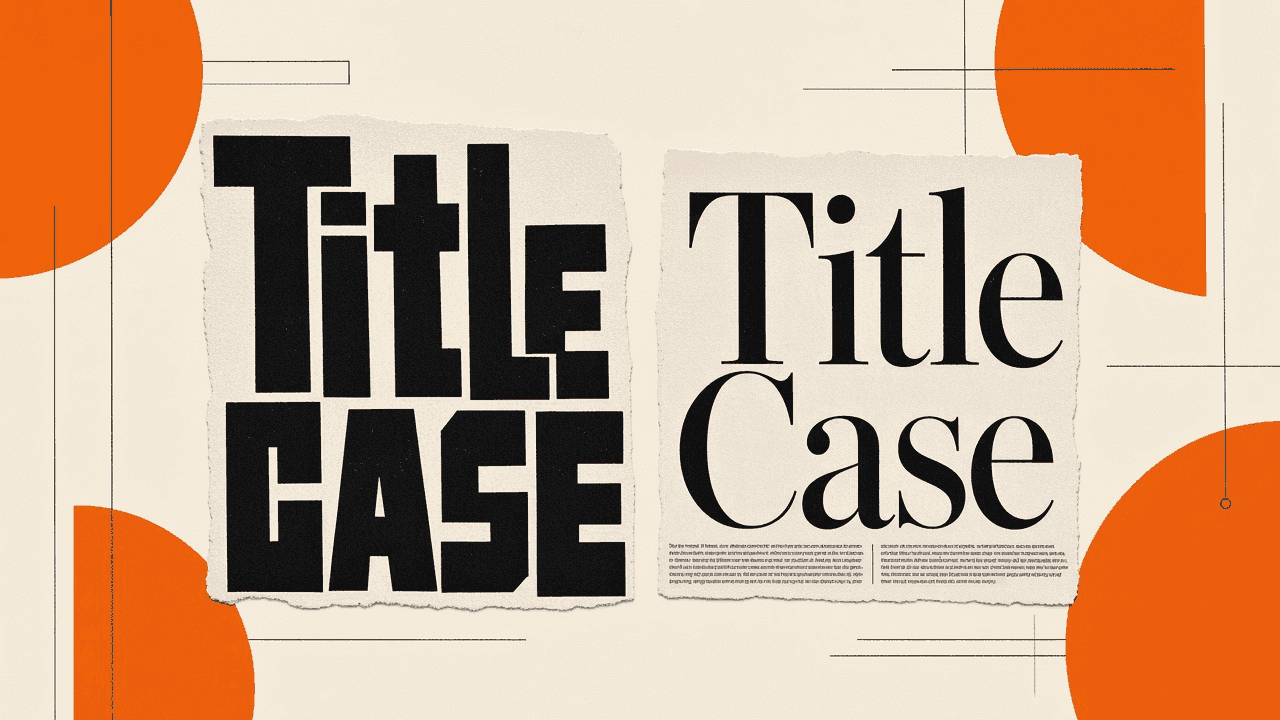
Headings need a house rule before you argue about individual words. Title Case capitalizes most words in the line. Sentence case capitalizes the first word (and proper nouns) and leaves the rest lowercase. Pick one style for H1 and H2, stick to it across the site, then use a case converter when you need to reshape a pasted draft without retyping. The converter is mechanical; it will not know that “a,” “the,” or “of” should stay small in some Title Case guides. This article covers when each style fits, how to check results, and how letter case for headlines differs from URL slugs and meta titles.
Why heading case fights break out on every team
Writers paste titles from docs, Slack, and AI drafts. One person ships “How To Fix Broken Links.” Another ships “How to fix broken links.” Both can be correct under different style books. Readers notice the mix on a blog index more than on a single page.
CMS fields often show the title in whatever case you typed. Preview themes may restyle H1 in CSS (all caps, small caps) while the HTML source stays mixed. You end up debugging “design” when the real issue is inconsistent source text.
Product marketing, newsrooms, and developer blogs rarely share one rule. Marketing decks lean Title Case. Many modern web editorial guides lean sentence case for H2s. Without a written choice, every PR becomes a taste fight.
What Title Case and sentence case actually mean
Title Case (sometimes called headline case) puts a capital letter at the start of most words. Exact short-word exceptions depend on the guide: Chicago, APA, and in-house manuals disagree on “to,” “vs,” and hyphenated compounds. A converter that capitalizes every word will over-capitalize compared with those manuals.
Sentence case treats the heading like the start of a sentence. First word gets a capital. Proper nouns keep theirs. Everything else stays lowercase. It reads calmer in long H2 lists and matches how many Google search result titles appear after the engine rewrites display.
Neither style is “more SEO.” Search engines care that the heading describes the page. Consistency and clarity matter more than which words wear a capital. For publish checks beyond letter case, use your usual SEO checklist before you publish.
When Title Case fits
Use Title Case for short marketing headlines, landing hero lines, and product feature names that already look like proper labels. It signals “this is a title,” which helps in dense nav or card grids where sentence case can look unfinished.
Keep Title Case short. A twenty-word Title Case H2 feels shouty. If the heading is long enough to wrap twice, sentence case usually ages better.
When sentence case fits
Use sentence case for documentation H2s, long how-to subheads, and blogs that already write body copy in a conversational tone. The page feels like one voice from intro to FAQ.
Sentence case still capitalizes product names, acronyms, and people. “wcag” in a heading is still wrong if you mean WCAG.
How to prepare text before you convert
Paste the heading alone, not the whole article. Converters apply the chosen style to every word in the box. A full draft turned into Title Case becomes unreadable body copy.
Strip trailing punctuation you do not want in the H1. Question marks are fine when the title is a real question. Ellipses and emoji rarely belong in a stable H1 that also feeds the slug.
Decide whether the CMS field is the public H1, the browser tab title, or both. Meta titles have length limits of their own; see Meta title length for Google in 2026. Letter case and pixel width are separate jobs.
Walkthrough in the case converter
- Open the case converter.
- Paste the draft heading.
- Click Title Case for headline-style capitals, or lowercase then fix the first letter by hand for a quick sentence-case pass if your tool set only exposes full lowercase.
- Copy the result into the CMS H1 or Markdown
#line. - Skim small words and product names; fix anything the mechanical pass got wrong.
Everything runs in the browser. The product FAQ states your text is not uploaded. Still follow team rules for customer quotes and unpublished launch names.
Title Case gotchas the tool will not catch
Short words: many style guides leave “a,” “an,” “the,” “and,” “or,” “of,” “in,” “on,” “for,” and “to” lowercase unless they start the title. A naive Title Case button capitalizes them all. Fix those by eye.
Hyphenated compounds: “Open-Source” vs “Open-source” depends on the guide. Pick one and document it.
All-caps paste from email subjects: convert to lowercase first, then apply Title Case, or you keep awkward mid-word capitals from bad OCR.
Sentence case gotchas
Accidental mid-heading capitals from old Title Case drafts. After you choose sentence case, search the heading for capitals that are not proper nouns.
Acronyms that look like words. “Api” should be “API.” Converters will not expand or fix acronyms.
How to check the result on the live page
View the published or staging page, not only the CMS field. Theme CSS might uppercase the H1 visually while the source stays sentence case. That is fine if you intended display styling; document it so writers do not “fix” the field to match the screen.
Compare H1, H2 list, and nav labels. Mixed styles across those three surfaces make the site look unfinished.
If the same string becomes a URL slug, lowercase and hyphenate separately with Slugify. Headline case and URL paths are different jobs; the wave companion Slugify titles for clean URLs covers the path side.
Related jobs: slugs, word count, and publish checks
Use Slugify for the path after the title is final. Use Word count when essay or SEO drafts need length checks, not for heading style.
Before you ship, run through SEO checklist before you publish so letter case does not distract from missing meta descriptions or broken canonicals.
Limits, privacy, and when not to use this
The Toolsy converter is free, browser-side, and built for paste-sized strings. It is not a style-guide linter and not a grammar checker. It will not apply Chicago exceptions automatically.
Do not feed confidential legal captions into any web page if policy forbids it. For local-only work, use an editor macro or your language’s string helpers instead.
camelCase and snake_case modes exist for code labels and filenames. They are the wrong mode for public H1 text.
Frequently asked questions
What is the difference between Title Case and sentence case?
Title Case capitalizes most words in the heading. Sentence case capitalizes the first word and proper nouns, then leaves the rest lowercase. Teams pick one for H1/H2 so the site looks deliberate. A converter helps reshape paste text; it does not replace a written house style.
How do I convert Title Case online for free?
Paste the heading into a case converter, choose Title Case, and copy the result. No account is required on Toolsy. Fix short words and product names by eye after the mechanical pass. Keep the paste to the heading so body copy is not capitalized.
Is Title Case better for SEO than sentence case?
No. Search engines do not rank pages higher for Title Case alone. Clear wording, matching intent, and solid on-page structure matter more. Pick the case your readers expect and keep it consistent. Then spend your SEO time on titles, slugs, and the rest of the publish checklist.
Should H2 headings use the same case as H1?
Usually yes for visual calm. Some brands use Title Case for H1 and sentence case for H2. Write the rule down. Mixed random H2s look like unfinished drafts. Preview the article index as well as a single post.
Does a case converter upload my text?
On Toolsy, conversion runs in your browser and the product FAQ states text is not uploaded. That is still a web page in memory, so follow your company’s rules for secrets and unpublished launches. Offline editors remain the safer path for privileged copy.
What is Title Case in a case converter?
It means each word starts with a capital letter in the output. That matches many headline habits but may capitalize short words some manuals leave lowercase. Treat the button as a fast pass, then edit exceptions. It is common for titles and subject lines, not for paragraphs.
Should meta titles use Title Case?
Follow the same house style as your H1 unless brand guidelines say otherwise. Meta titles also face length limits in the SERP. Check width separately with your meta workflow; see Meta title length for Google in 2026. Case style will not fix a truncated title.
How do I fix ALL CAPS pasted from email?
Convert to lowercase first, then apply Title Case or capitalize only the first letter for sentence case. Starting from ALL CAPS Title Case often leaves ugly mid-word artifacts. Strip emoji and tracking suffixes before you convert.
Is camelCase the same as Title Case?
No. camelCase joins words without spaces and usually lowercases the first letter (myHeading). Title Case keeps spaces and capitalizes words for humans reading a headline. Use camelCase for code identifiers. Use Title Case or sentence case for public headings.
When should I leave a heading alone?
When the string is a proper product name, a legal caption with mandated capitals, or a quote that must stay exact. Converters are for drafts you control. For published URLs that already rank, do not change the visible title lightly without a redirect plan for the slug.
For the URL path after you settle the wording, continue with Slugify titles for clean URLs. For a full pre-publish pass, use the SEO checklist.
Convert letter case
Paste text, pick Title Case, sentence-style lowercase, UPPERCASE, and more. Runs in your browser; nothing is uploaded.