Guides
PDF to JPG for slides and thumbnails

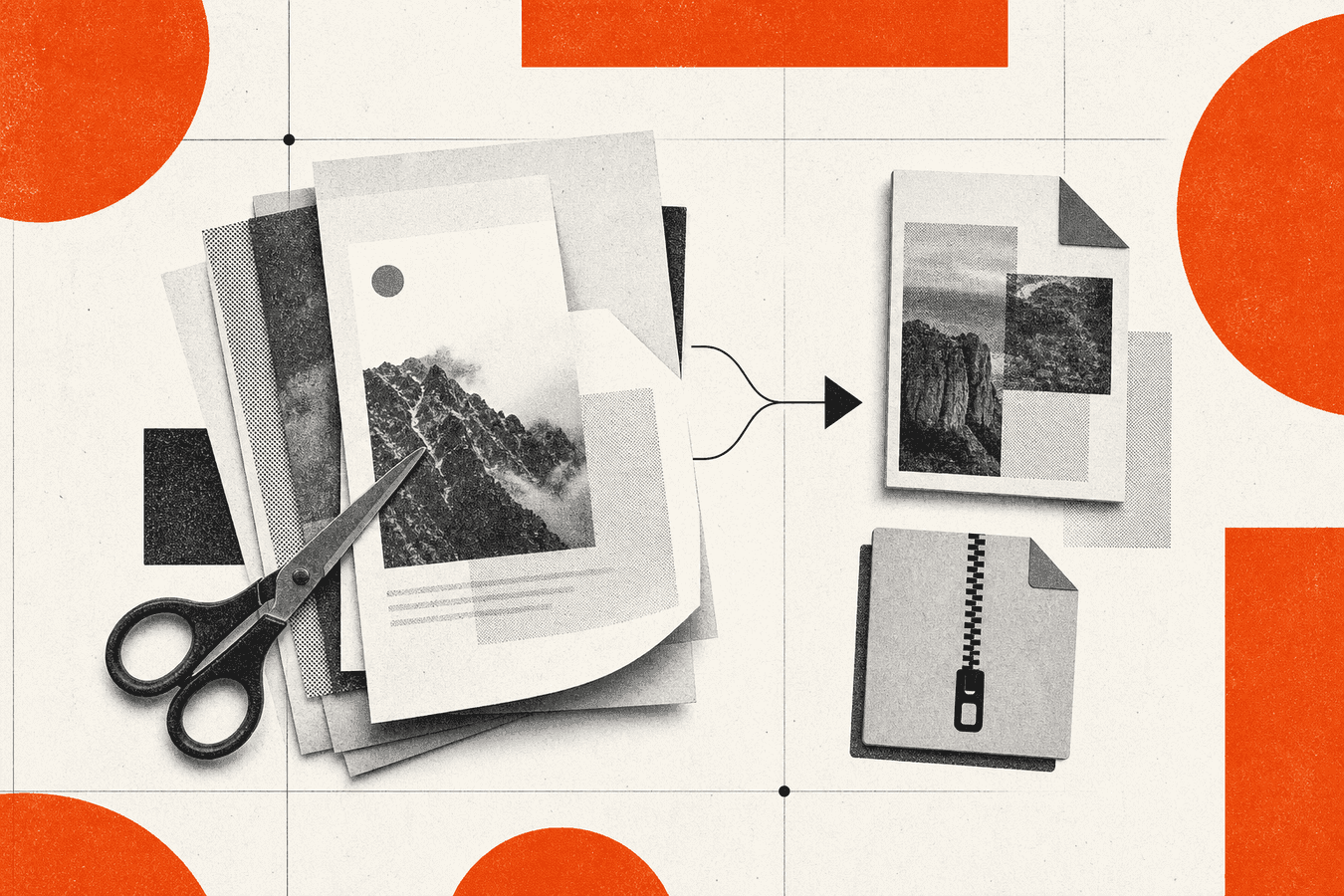
Slide decks trapped in PDF form are hard to crop, reuse, or drop into PowerPoint as pictures. Convert each page to JPG, pick the slides you need, and insert the images into a new deck or a CMS thumbnail field. Toolsy PDF to JPG renders one JPG per page; multi-page files download as a ZIP you unpack on your desktop. Free accounts get five PDF operations per day with a 25 MB cap per PDF. Check text edges at 100% zoom after export because heavy compression in the source PDF can look soft once rasterized. For text extraction instead of pictures, use PDF to Markdown step by step. To shrink the source PDF before convert, see Compress PDF for email attachments.
Why presenters export PDF pages as images
You receive a final deck as PDF from legal or marketing. They locked edits. You still need three figures in your own Google Slides talk.
PDF viewers scroll pages; slide tools want objects on a canvas. Pasting a PDF into PowerPoint often imports a whole document object that breaks on another laptop. JPG slides behave like normal pictures: resize, crop, animate.
Thumbnails follow the same logic. CMS cards, Notion covers, and LMS modules ask for JPG or PNG. A PDF first page does not fit the upload field. Export page one as JPG at the aspect ratio the template lists.
PowerPoint and Google Slides import paths
PowerPoint: Insert → Pictures → select exported JPGs. One image per slide is the reliable path. Google Slides: Insert → Image → Upload from computer.
Avoid embedding a multi-page PDF as an object unless you tested on the presentation machine. Fonts and embedded video fail silently after export.
Social previews and Open Graph crops
Marketing PDFs often include a cover page designed for print, not for 1200×630 social cards. Export that page as JPG, then crop in your design tool.
Pair with OG image size and aspect ratio when the thumbnail is for link previews, not the talk itself.
Page render vs extracting embedded images
Two different jobs hide under “get images from a PDF.” Page render rasterizes the whole slide: text, vectors, and photos together. Extract embedded images pulls photo objects out of the file and drops layout.
Toolsy PDF to JPG is page render. That is what you want when the slide is a designed layout. Extraction tools help when the PDF is a wrapper around a single photo scan.
Search volume for “extract images from PDF” is high because people confuse the tasks. If you need editable text, PDF to JPG is the wrong tool; try PDF to Markdown or PDF to Word instead.
When page render is correct
Board decks, lecture slides, and infographic PDFs mix fonts and icons. Rendering the page keeps alignment. Extraction would return only the photo assets, not the titles.
Screenshots of forms and certificates also need full-page render so signatures and stamps stay in place.
When extraction beats conversion
A photographer emails a PDF that is literally one JPEG per page with no text layer. Extraction might return the same bytes faster. Page render still works; file size may differ slightly.
For RAG and search, rendered JPGs are useless. Stay in the Markdown pipeline described in Why LLMs prefer Markdown over PDF.
Choose resolution and format for slides and thumbs
JPG is lossy. Text and flat color suffer if you export huge then shrink, or export tiny then stretch on a projector.
For thumbnails, match the pixel box in the CMS spec (often 800×450 or 1200×630). Export from PDF at least that wide, then crop.
For conference slides, 1920 px width is a practical ceiling. Projectors rarely beat 1080p; larger files only slow uploads.
JPG quality and banding on gradients
Slides with blue gradients band when JPG quality is low. Open the exported JPG at 100% before you present. If sky gradients look striped, re-export from a cleaner source PDF or use PNG for that one slide via another tool.
PDF to JPG on Toolsy targets sharp output, but a heavily compressed source PDF cannot recover detail that was already discarded.
ZIP workflow for multi-page decks
A forty-page PDF becomes forty JPGs in one ZIP. Unzip on desktop; sort by filename. Slide order usually follows page number in the filename.
Do not unzip on phone for a large deck unless you have storage free. Cloud unzip tools add another copy of the data.
Prepare the PDF before you convert
Delete appendix pages you will never show. Edit PDF pages removes slides or rotates sideways exports from Keynote.
Compress when the PDF is scan-heavy and over 25 MB. Compress PDF at ebook preset often brings exports under the Toolsy cap without killing text.
Fix page order first. Reorder or delete PDF pages before sending covers drag-and-drop order when the PDF is your own export.
Export slides from the source app when you can
Keynote, PowerPoint, and Google Slides export PDF directly. If you still have the deck file, export JPG or PNG per slide from the app for maximum control.
PDF to JPG rescues you when only the PDF survived email review.
Passwords and permissions
Locked PDFs may fail conversion. Remove print restrictions with the issuer’s password or ask for an unlocked export. Toolsy cannot bypass encryption you do not own.
Walkthrough: PDF to JPG with Toolsy
Open PDF to JPG. Upload one PDF up to 25 MB. Wait for processing.
Single-page PDFs download one JPG. Multi-page PDFs download a ZIP containing one JPG per page, named in page order.
Unzip on your computer. Spot-check slides 1, a middle chart slide, and the last page at full zoom.
Insert into a new slide deck
Create a blank presentation sized 16:9. Insert each JPG as a full-bleed background or centered picture. Do not stretch a 4:3 PDF page to 16:9 without cropping or you warp circles.
Rebuild speaker notes manually; JPG export does not carry notes text.
Pick one page for a thumbnail
Upload the PDF even if you need only page 1. After unzip, discard other JPGs or ignore them in the ZIP.
Crop the cover JPG to the CMS aspect before upload. PDF page aspect rarely matches social cards without a crop step.
Check image quality before you present or publish
Blurry body text means the source PDF was low resolution or you scaled up a tiny JPG. Re-export from the original deck at higher scale.
Color shift between PDF viewer and JPG is usually sRGB vs display profile. Compare side by side on the same monitor.
File size spikes on photo-heavy slides. That is expected. Thumbnails should be smaller after crop; run an image compress pass if the CMS caps kilobytes.
Projector test
Load the deck on the room laptop the day before if possible. JPG slides remove font substitution surprises but cannot fix low-resolution source art.
Carry PDF backup on USB when conference Wi‑Fi fails. Images are final; you cannot edit text on stage.
Accessibility limits
JPG slides are pictures. Screen readers cannot read the text inside. Provide a PDF handout or speaker notes document for accessibility compliance.
Related tools when JPG is not the last step
You might compress images, merge pages back into a PDF packet, or extract text for search.
Compress PDF before convert when upload fails at 25 MB. Merge PDF rebuilds a packet from single-page exports. Split PDF isolates chapter PDFs before you convert a range.
Word to PDF without Microsoft Office is the upstream path when you are authoring, not recycling a PDF.
When to use PDF to Word instead
You need to edit bullet text, not show a picture of bullets. PDF to Word exports editable text with layout shifts on complex decks.
Use PDF to JPG when layout is sacred and edits are visual only.
Video and animation loss
Exported JPGs are static. Transitions, builds, and embedded video disappear. Keep the original deck file for animation; use JPG for excerpts and marketing stills.
Limits, privacy, and format choice
Free accounts: five PDF jobs per day, 25 MB per PDF. Pro removes the daily cap. Files are processed for the response and not kept afterward; see What happens to files after processing.
Confidential decks should follow your company policy on cloud converters. Is it safe to upload documents online? lists checks before upload.
PNG or WebP might beat JPG for slides with flat UI screenshots. This tool outputs JPG for broad CMS compatibility.
Frequently asked questions
How do I convert PDF to JPG for PowerPoint slides?
Upload the PDF to PDF to JPG, unzip the download if you get a ZIP, and insert each JPG as a picture on its own slide. Delete appendix pages with Edit PDF pages before convert to skip unused images. Check text sharpness at 100% zoom. Rebuild animations manually; JPG export is static.
Does PDF to JPG export every page?
Yes. Each page becomes a separate JPG file. Multi-page PDFs download as a ZIP archive. Single-page PDFs download one JPG directly. Page order follows the PDF page sequence. Rename files after unzip if your LMS expects a specific pattern.
Will PDF to JPG hurt image quality?
The tool renders sharp JPGs, but quality cannot exceed the PDF content. A slide that was already a low-res embedded image stays soft. Vector text usually renders cleanly at reasonable export sizes. Always spot-check chart labels before you present.
How do I get high-quality JPG from a PDF?
Start from an uncompressed or lightly compressed PDF. Remove unnecessary pages and avoid re-saving the PDF through multiple tools before convert. Export at least as wide as your display target (often 1920 px for slides). Do not upscale a tiny JPG afterward; fix the source PDF instead.
Can I convert one PDF page to JPG without all pages?
The tool processes the whole PDF. Convert, unzip, and keep only the page you need. For large files, Split PDF isolates one page into a small PDF first, then convert that file. That saves unzip clutter and daily quota on very long documents.
Is PDF to JPG the same as extract images from PDF?
No. PDF to JPG rasterizes each full page, including text and layout. Extraction pulls embedded image objects only. Use page render for slides and certificates. Use extraction when the PDF wraps standalone photos without design layers.
How do I make a thumbnail from a PDF cover page?
Upload the PDF, download the ZIP or single JPG, and take page 1 (or the filename ending in 1). Crop to your CMS aspect ratio in any image editor. Upload the cropped JPG to the thumbnail field. See OG image size and aspect ratio for social card dimensions.
Is PDF to JPG free online?
Yes. Toolsy offers free PDF to JPG with five PDF operations per day and a 25 MB per file limit. Pro removes the daily cap. No install required in the browser. Read retention details before uploading confidential strategy decks.
Why is my PDF to JPG ZIP so large?
Photo-heavy slides produce large JPGs per page. Forty full-bleed photos mean a big ZIP. Compress the source PDF first or split into chapters. For web thumbnails only, crop and downscale each JPG after export rather than uploading multi-megabyte pictures.
Can I convert PDF to JPG on my phone?
The tool runs in a mobile browser. Upload and download work on iOS and Android. Unzipping many pages on phone storage is awkward; use desktop for long decks. Insert one or two JPGs into mobile slide apps directly from Downloads when the deck is short.
When the deck must stay editable text, read PDF to Markdown step by step instead of rasterizing pages.
Convert PDF pages to JPG
Each page becomes a JPG image. Multi-page PDFs download as a ZIP. Free accounts get five PDF jobs per day, up to 25 MB per file.