Guides
PDF tools online: complete guide to merge, compress, split, and convert
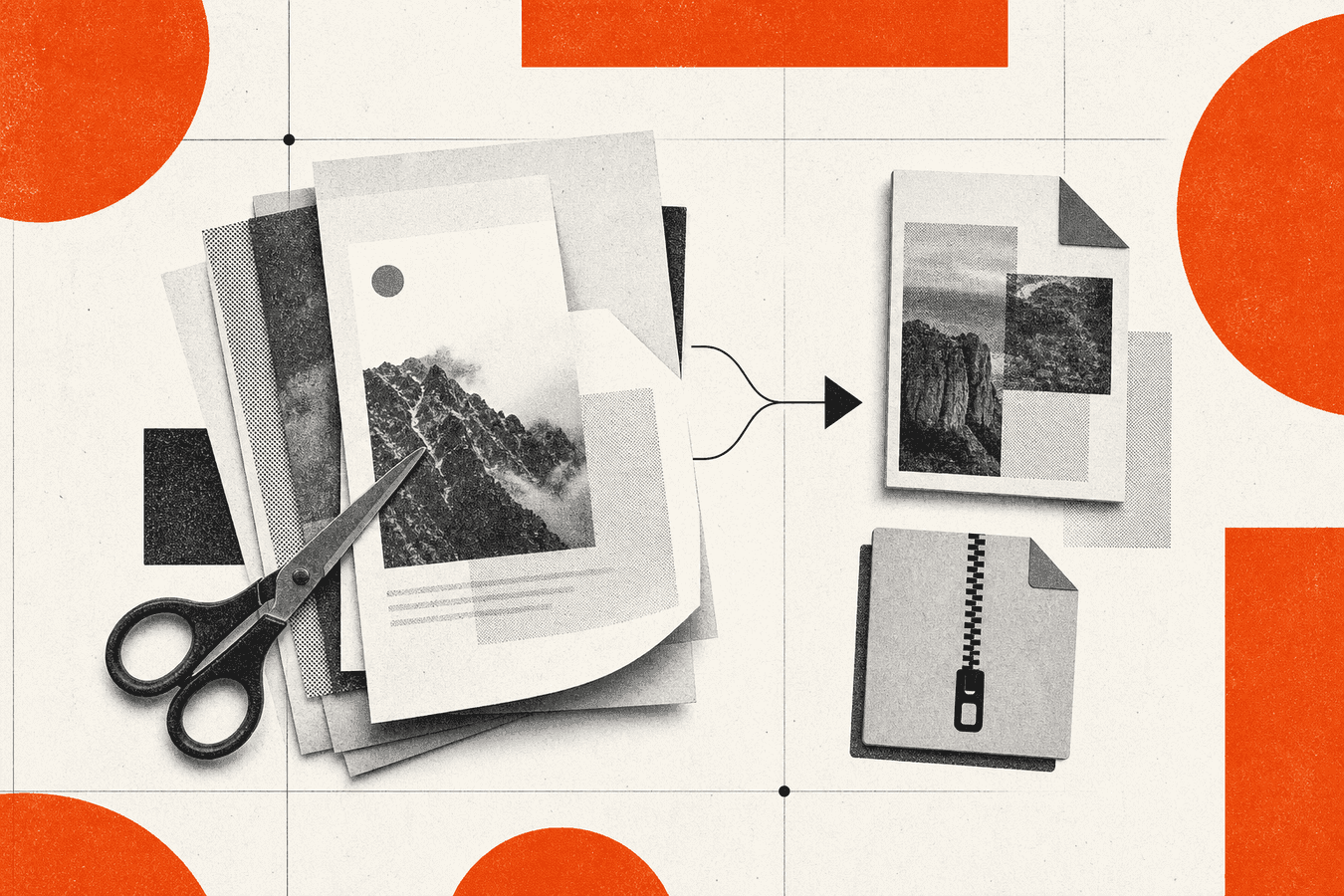
You search "pdf tools online" when one PDF job turns into three. Maybe you need to merge bank statements, shrink a scan for email, split a packet by page range, or export a Word file without desktop Office. Browser PDF tools handle each task in isolation. This hub maps the job to the right tool and the right deep guide so you do not reread the same merge tutorial on five sites. Start with your next file: combine pages on Merge PDF, shrink on Compress PDF, cut ranges on Split PDF, or convert Office files on Word to PDF. Free accounts get 5 PDF operations per day, up to 25 MB per file. Pro removes the daily cap. Files are processed for the response and not kept afterward.
Who this PDF tools hub is for
This index fits people who already know they need a PDF fix in the browser, not a desktop suite install. Students submitting page ranges, freelancers emailing contracts, and office staff stacking scans land here after a failed send or a portal upload error.
If your week also needs Markdown for an LLM or handwriting OCR, PDF tools are only one lane. Jump to Markdown for AI: complete guide for text extraction workflows. If you compare brands, read An iLovePDF alternative when you need Markdown export and handwriting OCR before you standardize on one bookmark.
Use the decision tree below. Open the scenario post when you need steps, limits, and QA checks. Come back here when the next PDF job looks different.
Decision tree: which PDF job comes first
Name the outcome before you pick a tool. "Fix this PDF" is too vague. "Send under 10 MB" points to compress. "Upload pages 3–7 only" points to split.
| Your goal | Start here | Deep guide |
|---|---|---|
| Combine multiple PDFs into one file | Merge PDF | Merge PDFs for tax returns and bank statements |
| Shrink file size for email or a portal | Compress PDF | Compress PDF for email attachments |
| Extract or submit specific page ranges | Split PDF | Split a PDF by pages for school or work submissions |
| Export Word without Microsoft Office | Word to PDF | Word to PDF without Microsoft Office online |
| Reorder or delete pages before sending | Edit PDF pages | Reorder or delete PDF pages before sending |
| Turn photos into a printable PDF | JPG to PDF | JPG to PDF for printing photos |
| Pull slide thumbnails from a deck PDF | PDF to JPG | PDF to JPG for slides and thumbnails |
| Stack receipt scans for bookkeeping | Merge PDF | Combine scanned receipts into one PDF |
| File still huge after compress | Compress PDF | Why your PDF is still huge after compression |
| Worried about uploading sensitive PDFs | Merge PDF | Is it safe to merge PDF online? Security checklist |
When two rows match, do structural edits first (split, delete blanks), then compress. Reordering pages before a merge avoids shipping appendix sheets nobody asked for.
Merge and combine PDFs online
Merge is the highest-traffic PDF job after compress. You drag files, set order, download one PDF. Search volume for "pdf merge online" stays in the thousands per month in the US because tax season, loan packets, and school submissions all need one attachment.
Toolsy Merge PDF follows the same upload-process-download loop as larger brands. The difference shows up when your packet also needs Markdown export or OCR later in the week. PDF merge does not extract editable text for models. Plan a second step on PDF to Markdown when the destination is RAG or a wiki.
Tax packets and bank statements
Financial merges need stable page order and readable scans. Put cover sheets first, then statements chronologically. If one bank exports portrait and another landscape, merge anyway, then spot-check page rotation in the preview.
Walk through Merge PDFs for tax returns and bank statements for naming habits and password-protected inputs. Encrypted PDFs may need unlocking before merge tools accept them.
Receipt stacks and expense reports
Receipt photos often arrive as separate PDFs from a phone scanner. Merge them into one file for your accountant or expense portal. Pair merge with Combine scanned receipts into one PDF for capture tips. Heavy receipt OCR for spreadsheets lives in bookkeeping posts, not in merge itself.
Compress PDF online for email and portals
"Compress pdf online" carries thousands of monthly searches because attachment limits bite before quality does. Gmail and Outlook commonly cap near 25 MB. Corporate inboxes and job portals often cut lower.
Compress PDF offers screen, ebook, and printer presets. Screen sheds the most bytes. Printer keeps more detail for signatures and fine print. Open the result at 100% zoom on body text before you attach.
Email attachment limits
Start with Compress PDF for email attachments when mail bounces on size. That guide maps Gmail, Outlook, and portal caps. If compress alone fails, split the PDF or send a cloud link for the full file.
When compression barely helps
Scanned pages store each sheet as a photo inside the PDF. Presets cannot invent smaller images if the scan was 300 DPI color. Read Why your PDF is still huge after compression before you run compress three times hoping for magic bytes.
Split, reorder, and edit PDF pages
Split solves "submit pages 4–6 only" and "pull exhibit B into its own file." Split PDF takes page ranges or every-n-pages patterns depending on the UI. Always download a sample range before you upload to a government portal with a hard page cap.
Split a PDF by pages for school or work submissions covers academic portals and legal exhibits. Reorder or delete PDF pages before sending fits when the content is right but the sequence is wrong. Delete blank phone-scan pages before you compress. Fewer pages beats heavier compression.
Convert to and from PDF online
Conversion traffic dwarfs niche edits. Word to PDF, JPG to PDF, and PDF to JPG each own massive head terms on tool landings. This hub links scenarios instead of repeating those landings.
Word and Office exports without desktop apps
Word to PDF without Microsoft Office online fits Chromebook users, guest laptops, and anyone without a Word license. Upload .docx, download PDF, check fonts and page breaks on one sample before you batch ten contracts.
When you need editable text back out, PDF is the wrong archive format. Prefer PDF to Markdown step by step or the Markdown for AI complete guide for LLM pipelines.
Images and slides
JPG to PDF for printing photos targets print-shop kiosks and photo books. PDF to JPG for slides and thumbnails helps when you need a slide image for Slack or a blog thumbnail without rerunning the deck.
PDF tools vs Markdown and AI workflows
PDF tools fix PDF-shaped problems. Models and vector indexes want text with headings. Uploading raw PDF bytes to ChatGPT works for quick questions; production RAG wants Markdown chunks.
Read ChatGPT PDF upload vs Markdown-first when your team debates format. Prepare documents for RAG with Markdown covers chunking after conversion. PDF merge and compress still matter for human recipients who need a signed attachment, not a .md file.
Brand comparisons: Smallpdf vs Toolsy for PDF and AI document workflows and Adobe Acrobat online vs free browser PDF tools stay honest about where each stack wins.
Security, privacy, and online PDF limits
Uploading a contract to any web tool sends bytes to a server for processing. That is true for Toolsy and for household-name PDF sites. Read Is it safe to upload documents online? and What happens to files after processing? before you upload client data.
For a checklist focused on merge specifically, see Is it safe to merge PDF online?. Pair security review with SEO checklist before you publish when PDF guides go on a public marketing site.
Toolsy PDF limits on free accounts: 5 operations per day, 25 MB per file. Pro removes the daily cap. PDF tools are separate from OCR Pro quotas and Plus SEO credits. Do not conflate products on the same invoice line.
Frequently asked questions
What are the best PDF tools online for everyday office work?
For merge, compress, and split, pick a browser tool you trust and verify output on real files. Toolsy covers Merge PDF, Compress PDF, and Split PDF with the limits above. Brand-name sites win on familiarity; smaller stacks win when you also need Markdown or OCR in the same account. Test one tax packet or one email attachment before you switch your whole team.
Is it safe to use free PDF tools online?
Safety depends on what you upload and what the vendor publishes about retention. Free does not mean files stay on your device. Read the privacy policy, avoid classified or regulated data on consumer tools, and prefer local desktop software when policy demands it. Toolsy processes files for the response and does not keep uploads afterward. See the security checklist post for merge-specific questions.
How do I merge PDF files online without watermarks?
Use a merge tool that states watermark-free output on free tiers. Upload each PDF, order pages, download once, and open the result before you delete sources. Password-protected PDFs may need unlocking first. If merge fails, check whether one input is encrypted or corrupted.
Why is my PDF still large after I compress it online?
Scanned pages embed full-resolution photos. Compression presets shrink those images but cannot turn a 40-page color scan into a 500 KB file without visible blur. Delete unused pages, scan at lower DPI, or split the file. The still-huge explainer walks common causes.
Can I edit PDF text with online PDF tools?
Browser PDF grids focus on merge, compress, split, rotate, and convert. True paragraph editing usually needs desktop Acrobat or the original Word file. Re-export from source when you still have .docx. Use Word to PDF when you only need a fixed PDF for sharing.
What is the difference between PDF tools and PDF to Markdown?
PDF tools keep or reshape PDF bytes. Markdown export pulls text and structure into .md for docs sites, GitHub, or LLM ingestion. Use merge/compress when the recipient needs PDF. Use PDF to Markdown when the recipient is a model or static site generator.
How many PDF operations can I run per day on Toolsy?
Free accounts get five PDF operations per day across merge, compress, split, and related PDF tools, with a 25 MB per-file cap. Pro removes the daily cap. OCR and SEO tools carry separate quotas. Check the tool page before a large batch.
Should I use PDF24, iLovePDF, or a smaller toolkit?
Use whichever site your IT team approved and whichever passed your sample file. PDF24 and iLovePDF own navigational search volume for good reason. Compare when you need Markdown export, handwriting OCR, or API access in the same month. The iLovePDF alternative post names tradeoffs without fake rankings.
How do I split a PDF online for a school submission?
Open Split PDF, enter the required page range (for example pages 2–5), download, and open the output to confirm the first page is what the portal expects. Some portals count cover sheets separately. The split-by-pages submission guide covers academic edge cases.
Where do I start if I need PDF and SEO tools in one week?
Handle PDF delivery first (merge or compress), then run publish checks. The SEO checklist before you publish hub links meta title, SERP preview, and keyword cluster posts. PDF bytes do not replace on-page SEO for the HTML landing that hosts your download.
For the next PDF job, jump from the decision table at the top. For AI-ready text from the same files, open Markdown for AI: complete guide.
Merge PDF files online
Combine PDFs in the browser. Free accounts get 5 PDF jobs per day, up to 25 MB per file. Pro removes the daily cap.