Trust
Redaction before OCR: what to black out first
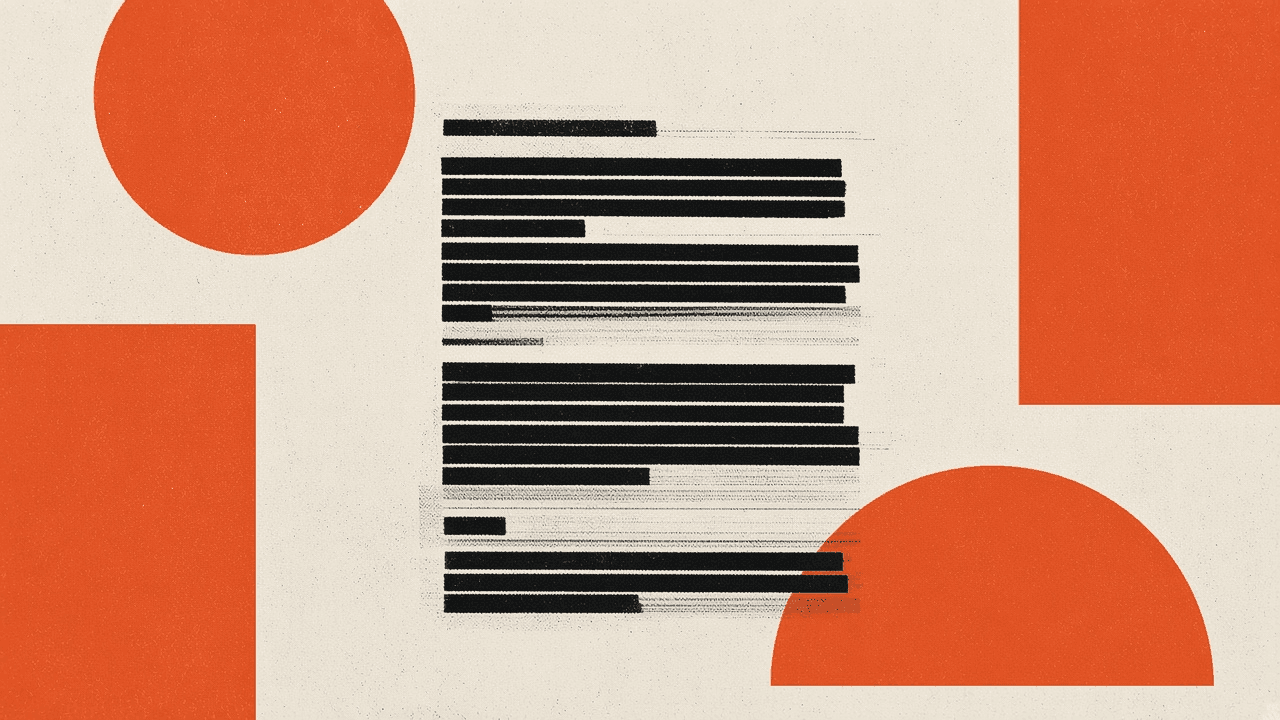
OCR reads whatever is still visible on the page you upload. If you only need part of a document, black out the rest on a copy before recognition. That habit cuts accidental leakage of SSNs, account numbers, medical identifiers, and sealed lines. Toolsy does not offer a dedicated redaction product. Use proper PDF redaction software, a print-to-image flatten, or a careful photo of a marked paper copy, then run OCR on what remains. Afterward, still treat cloud OCR as a residual risk: remaining content may reach model providers for the request under the Privacy Policy.
Why redaction belongs before the OCR click
People upload first and notice the passport number in the margin later. OCR and AI pipelines see the full frame you send. Retention windows and “we do not train our own models” language do not un-send pixels that already traveled for inference.
Search interest in document redaction before OCR mixes two jobs: true sanitization and “make this readable.” This post covers sanitization habits. It does not invent a Toolsy redact button.
Sibling context for legal files: OCR for lawyers: confidentiality basics. For general upload safety: Is it safe to upload documents online?.
What to black out on most US business and personal pages
Start with identifiers you do not need for the task. If the job is “get the table of line items,” you rarely need the full bank account string in the letterhead.
Identity and finance fields
Common targets: Social Security numbers, taxpayer IDs, full account and routing numbers, credit card PANs, driver’s license numbers, passport numbers, and dates of birth when the task does not need them. Black out signature images when you only need the body text.
Email addresses and phone numbers matter when the page will leave a controlled environment. For internal drafts that stay on your laptop, policy may differ. When a cloud OCR tool is in play, prefer redacting contact fields you do not need in the transcript.
Health, minors, and sealed matter lines
Prescription pages, discharge summaries, and school records often mix needed drug lines with addresses and IDs. Cover what the checklist in Medical document OCR privacy would flag if you are not prepared to accept cloud risk. For litigation, follow firm rules on sealed text; when unsure, keep the page offline.
Black rectangles are not always true redaction
Drawing a black box in a PDF editor can leave the text layer selectable underneath. Some “mark up” tools only add an annotation. OCR and copy-paste may still recover the string. That failure mode is why serious redaction flattens or removes content, not just paints over it.
Safer prep patterns
Use a desktop PDF tool with a real redact-and-apply workflow when you must keep PDF form. Or print the page, mark with opaque ink, and photograph or scan the paper so only ink remains. Or export a flattened image of the page after redaction and confirm you cannot select hidden text.
Marker on a phone photo of a screen is weak when glare and compression leave ghost shapes. Check the image at zoom before upload. If you can still read the digit, so might a model.
What Toolsy does not provide here
Browser merge, compress, and convert tools are not redaction suites. Comparison notes in Adobe Acrobat online vs free browser PDF tools spell out that full redaction remains an editor-class job. Do not look for a redact tool on Toolsy’s OCR pages; you will not find one.
A short prep workflow before any OCR upload
- Duplicate the file. Never redact the only original.
- List fields to remove for this task only.
- Apply true redaction or flatten to image.
- Spot-check by selecting text or zooming the image.
- Strip EXIF on photos with strip EXIF if the file will travel.
- Upload the sanitized copy to the OCR tool you chose under policy.
- Proof the transcript and delete scratch copies you no longer need.
Agencies can fold this into closeout habits from Client documents for agencies: minimum retention.
After redaction: OCR still sees what you left
Cloud OCR on Toolsy still uploads the sanitized file for processing and may send it to model providers for that request. Discard design targets (typically about one hour) apply to that job storage. They do not make redaction optional.
If the remaining page is still too sensitive, stop. Offline OCR or a contracted vendor is the next step, not a different free website.
For table extraction after you cleared pricing pages of customer PII, Table Photo to Excel and the practices in Export OCR tables to CSV help. For narrative PDFs you cleared, PDF to Markdown may fit.
Photo and scan mistakes that undo redaction
Cropping too tight can cut ink edges and leave partial digits. Auto-enhance can raise contrast on faint marker. Sharing both the redacted and unredacted files in the same ZIP defeats the point. Sync folders that keep version history may retain the pre-redact PDF; delete those versions per your storage vendor’s docs.
Phone gallery backups can upload the unredacted shot before you notice. Capture with intent: sanitize first, then shoot the working copy, or disable auto-backup for that album during the job.
When you should skip OCR entirely
If redaction would remove almost everything useful, you are on the wrong tool. If policy forbids cloud processing for that class, no amount of black ink fixes the policy break. If you need certified redaction logs for production, use platforms built for that audit trail.
Consumer OCR remains a convenience layer for cleared pages. It is not a records system and not a compliance program. See Browser-based vs cloud AI when you classify what leaves the device.
Honest limits for this guide
This article teaches habits. It is not legal advice and not a guarantee against recovery attacks on poorly redacted files. It does not claim Toolsy inspects your file for residual PII before OCR. You own the sanitize step.
For binding Toolsy text, read Privacy. For the wider map, use Privacy and document safety.
Frequently asked questions
Does Toolsy have a redaction tool?
No. Toolsy does not ship a dedicated redaction product. Use a PDF editor with true redact-and-apply, or flatten to a marked image, before you upload to OCR or conversion tools. Strip EXIF only removes metadata tags, not document text.
Does a black marker hide text from OCR?
Opaque coverage on a flattened image often works if you cannot read the glyphs at zoom. Marker on a text-layer PDF, or a semi-transparent annotation, can fail. Always verify before upload. When the stakes are high, prefer software redaction that removes content.
What should I black out before uploading a bank letter to OCR?
If you only need a sentence or a small table, cover account numbers, routing numbers, full addresses, and unrelated balances. Keep the minimum text required for your task. When the whole letter is sensitive, prefer offline OCR or skip conversion.
Is drawing a black box in Preview or a free PDF app enough?
Often not. Many apps add an overlay without removing the text layer. Try selecting text through the box. If selection still works, export a flattened image or use a redact-and-apply feature. Test every tool once with a dummy file before you trust it on real PII.
Should lawyers redact before cloud OCR?
Yes when firm policy allows cloud OCR at all and you can avoid sending sealed or unnecessary fields. Many firms ban consumer OCR for matter files regardless of redaction. Read OCR for lawyers: confidentiality basics alongside your internal rules.
Does redaction remove EXIF GPS from phone photos?
No. Redacting page content and stripping photo metadata are different jobs. After you sanitize the visual content, run strip EXIF if the image will be shared or uploaded. Gallery backups may still hold the original unstripped file.
Can OCR read text under a black rectangle?
If the rectangle is only a layer above a live text object, yes. If the page is a single flattened image with opaque pixels, usually no. Your verification step matters more than the brand of marker. Do not upload “probably fine” pages that fail a select-text test.
What happens to the redacted file on Toolsy after OCR?
Uploads are processed for the request and designed to be discarded shortly afterwards (typically within about one hour). OCR may still send the sanitized content to model providers for that run. Toolsy states it does not train its own models on uploads. Details: Privacy and What happens to files after processing.
Should I redact before table photo to Excel?
Yes when the printed table sits beside customer names, account columns, or other fields you do not need in the CSV. Crop or mark those regions on a copy, then photograph the grid you need. Proof the CSV before you share it. See Export OCR tables to CSV best practices.
Is this guide a substitute for compliance advice?
No. Regulations, ethics rules, and contracts differ. Use this as an operational checklist, then confirm with counsel or security for your sector. When policy is unclear, keep the file offline.
Next: OCR for lawyers or the privacy hub.
Strip EXIF before you share a photo
Remove GPS and camera tags in your browser before a photo leaves your machine. Free utility. Not a document redaction tool.