Guides
Digitize family letters for genealogy (step by step)
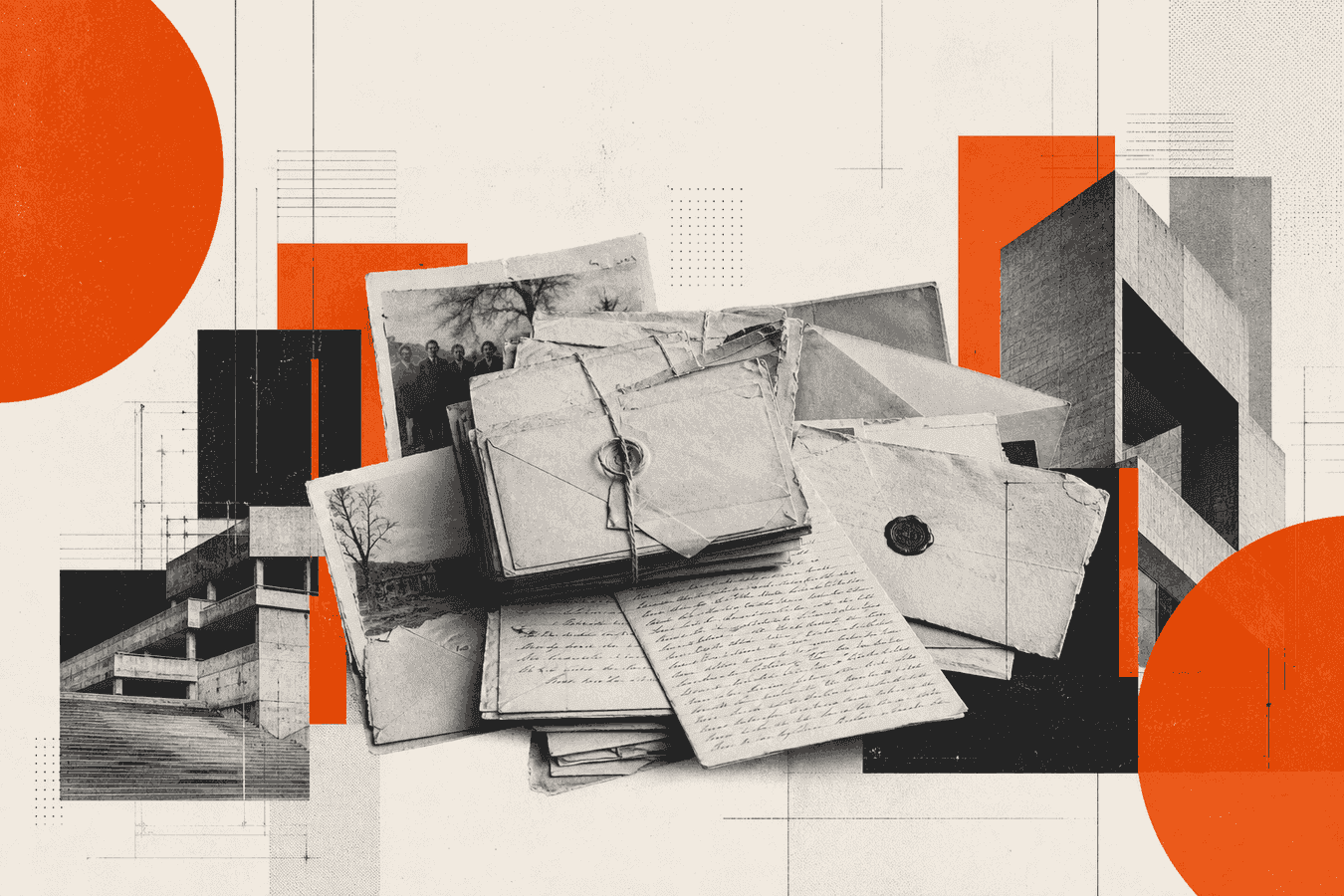
Family letters hold names, places, and dates that never made it into a census. They also sit unread when the cursive is hard, the ink is faded, or nobody wants to risk the paper on a flatbed. To digitize old letters for genealogy, you protect the original, capture a clear image, run handwriting OCR, then check every proper noun against the page. This guide walks that path step by step. For older script and archive-style pages, use Toolsy’s Historical Manuscript tool (Pro). For clearer modern handwriting, Handwriting to text is enough. You keep a searchable draft for your tree notes; the paper stays the source of truth. See also genealogy OCR workflows when you plan a larger family project.
Why family letters stall genealogy research
A shoe box of correspondence looks like a gold mine until you open the first page. Loops connect every letter. Dates sit in the corner in a style you barely know. A surname shares a shape with three other names in the same hand. You cannot Ctrl-F a photograph.
Genealogy software wants typed facts. Without text, you cannot search “Cleveland 1912” across fifty letters. Cousins ask for a quote and you re-photograph the same page. Progress slows to “I will get to those someday.”
Physical risk adds pressure. Thin paper tears at folds. Glue on envelopes sticks to the next sheet. Each casual re-reading adds wear. Digitization lets you read the content often without handling the original every time.
The goal is a faithful draft you can search and cite, not a polished rewrite. Keep original spelling when the tool can read it. Mark gaps instead of inventing ancestors.
What you can try before you digitize
Start with the pages you can almost read. Sit with good light, a magnifier if you have one, and a notepad. Write only the words you are sure of. Leave blanks for the rest. That partial transcript becomes your baseline when OCR later fills or fails.
Compare letter shapes across the same writer. Once you see how that person forms capital “S” or lowercase “r,” half the page unlocks. Genealogy forums and old alphabet charts help for period letterforms. Use them as visual references, not as proof of a name.
Type the clear lines into your notes app while the letter is still in front of you. Even a few confirmed dates and place names make later OCR checks faster. You already know what “good” looks like for that writer.
Skip the urge to finish every page by hand before you photograph anything. Capture comes first for fragile sheets. Transcription can wait once you have a stable image.
How to preserve and prepare old letters
How to preserve old letters starts with handling, not software. Wash and dry your hands. Work on a clean table. Support the full sheet; do not bend a brittle fold to flatten it by force. If a letter is stuck shut or crumbling, stop and talk to a conservator or local archive before you force it open.
Remove metal clips and rubber bands that bite into paper. Keep envelopes with their letters when the postmark or return address carries evidence. Store originals in archival sleeves or acid-free folders out of direct sun. Digitization does not replace storage care.
Label the physical packet with a pencil note on a separate slip (writer, year range, place) so you can match files later. Avoid writing on the letter itself.
Storage and handling before any scan
Keep humidity moderate. Basements and attics swing between damp and dry and speed damage. If you find mold or active pests, isolate that stack and get advice before you spread spores across a scanner bed.
Photograph or scan before you rearrange a whole collection for display. Order matters for context. A wartime sequence reads differently when pages stay in the order you found them.
Never laminate original family letters. Lamination traps acid and blocks future conservation. A digital copy plus safe housing beats a shiny permanent pouch.
Sort one page, one file
Separate multipage letters into single sheets for capture when the paper allows. Stacked sheets in one photo hide lines and confuse OCR. Name files with a simple pattern such as 1943-ellis-to-maria-p01.jpg so search works on disk before any OCR text exists.
If a letter is double-sided, capture both sides as separate files. Show-through from the reverse side is common on thin paper; a dark sheet behind the page during photography reduces ghost text.
How to digitize old documents with a phone or scanner
Scan old documents with the highest contrast you can get without bleaching the ink. A flatbed at 300 to 600 dpi works well when the paper can lie flat safely. If the sheet is brittle, skip the lid pressure and use a phone from above instead. For fragile capture detail, see Scanning fragile papers without a flatbed.
For phone work, hold the camera square to the page. Fill the frame. Use even daylight or a lamp from the side. Turn off the flash when it creates a white patch over the writing. More on lighting and focus sits in Phone camera tips for better OCR.
Crop desk clutter. Rotate so the text is upright. Prefer JPG or PNG under 8 MB for Toolsy uploads. One page per upload keeps recognition focused.
Flatbed versus phone for letters
Use a flatbed when the letter opens flat without stress and you want consistent lighting. Keep the glass clean. Do not smash a stiff fold under the lid.
Use a phone when the paper is curved, bound in a booklet, or too fragile to press. Two careful shots of left and right halves beat one crushed scan. Run OCR on each half and merge the text in your notes.
What “good enough” looks like before OCR
In the preview, ink edges should look sharp, not smeared. Shadows should not hide a whole margin. If you cannot read a name by eye in the photo, OCR will not invent a reliable one. Reshoot before you spend time on a bad file.
Glossy photo paper and laminated copies glare easily. Change your angle until the reflection slides off the words.
Transcribe letters with Historical Manuscript (Pro)
Open Historical Manuscript when the writing looks archival: old cursive, faded ink, letter pages, or genealogy forms. This is a Pro tool. You need a Pro plan to run recognition.
Upload one clear photo or PDF page (JPG, PNG, WebP, GIF, or PDF, up to 8 MB). Wait for the typed draft. The tool aims to keep original spelling when it can read the ink. Unreadable spots are marked as [?] instead of confident guesses.
Copy the text into your genealogy notes, a Markdown file, or your family archive folder. Keep the image beside the text while you edit. For clearer modern handwriting on recent family notes, Handwriting to text covers the free path.
Do not treat the first pass as publication-ready. It is a draft for search and review.
Check the draft against the original
Open the image and the typed text side by side. Read every surname letter by letter. Look-alike pairs (a/o, e/c, n/u, S/L) cause false ancestors faster than missing words. Dates and place names deserve the same pass.
When the draft invents a polished word over a smear, delete it and leave a gap or [?]. A blank you notice later is safer than a wrong uncle in the tree.
Cross-check against known facts you already trust: census towns, marriage years, military units. OCR can misread a town that “looks like” a more famous one. Your other sources catch that.
Save a short source note with each transcript: file name, page, and that the text came from OCR plus human review. That note saves rework when you reopen the file months later.
Related jobs for a searchable family archive
Letter OCR is one slice of a genealogy digitize project. When you move from a few letters to a whole box, plan folders, naming, and search together. From shoebox to searchable family archive covers that workflow. Genealogy solutions maps Toolsy tools to family-history jobs.
For English archive handwriting beyond home letters, see Read old handwriting in English archives. For capture quality, return to the phone tips and fragile-paper guides linked above.
If relatives send clear modern notes (not century-old ink), start on the free Handwriting to text path and reserve Pro manuscript OCR for the hard pages.
Limits, faded ink, and privacy
OCR fails on heavy fade, water stains, torn margins, and cross-written letters (text written both ways on one sheet). High contrast helps. It does not restore ink that is gone. Mark those passages and ask a human reader, society volunteer, or professional paleographer when the line matters.
Toolsy processes uploads for the recognition job and designs files to be discarded shortly afterwards (typically within about one hour). Toolsy does not use uploads to train its own models. Vision and OCR features may still send image or text content to model providers for that request. Read the Privacy Policy and Is it safe to upload documents online before you send intimate family pages.
Skip cloud OCR for sealed adoption files, living people’s private medical detail, or anything you would not show a contractor. Keep those on local or society-approved paths.
Respect living relatives when you share transcripts. Redact addresses and phone numbers from recent letters before you post a family group PDF.
Frequently asked questions
How do I digitize old letters for genealogy?
Protect the paper, capture one clear page image, run handwriting OCR, then verify names and dates against the original. Store the text in your genealogy notes with a link or path to the image. Use Historical Manuscript (Pro) for old script, or Handwriting to text for clearer modern pages.
How do I preserve old letters before I scan them?
Handle with clean dry hands on a flat surface and avoid forcing brittle folds. Remove damaging clips, keep envelopes with their letters, and store sheets in archival sleeves away from sun and damp. Digitize so you can read often without wearing the original each time.
Can OCR read faded ink on family letters?
Sometimes, when contrast is still visible in a high-quality scan or photo. Severe fade, stains, and tears often return [?] markers or wrong guesses. Treat those lines as unverified until a person confirms them against the paper.
Is Historical Manuscript free?
No. Historical Manuscript is a Pro tool. You need a Pro plan to run recognition on old letter pages. Handwriting to text remains the free option for clearer everyday handwriting.
What file types work for letter OCR on Toolsy?
JPG, PNG, WebP, GIF, and PDF up to 8 MB. One page per upload gives cleaner results. Compress gently if the file is huge; do not crush detail until the ink looks posterized.
How do I scan old documents with my phone for genealogy?
Place the letter on a contrasting flat surface, shoot from directly above with even light, and keep the page edges parallel to the frame. Turn off flash if it causes glare. See Phone camera tips for better OCR for lighting and focus detail.
How do I decipher old handwriting when OCR fails?
Compare letter shapes across the same writer, use period alphabet charts as visual aids, and type only what you can defend. Ask a genealogy society or experienced reader for stubborn lines. Leave gaps rather than forcing a surname that does not fit other records.
Does Toolsy keep my family letters after OCR?
Uploads are processed for the request and designed to be discarded shortly afterwards, typically within about one hour. Toolsy does not use uploads to train its own models. OCR may send content to model providers for that request; details are in the Privacy Policy.
Should I modernize spelling in transcribed letters?
Keep original spelling in the transcript when the tool and your eyes agree. Add a separate research note if you normalize a place or surname for your tree. Modernizing inside the transcript hides how the writer actually wrote.
Where do letter transcripts fit in a larger family archive?
File image plus text together under a clear naming scheme, then link facts into your genealogy software or Markdown notes. For the full box-to-search path, use From shoebox to searchable family archive and genealogy solutions.
For more on archive script, fragile capture, and privacy before upload, continue with Read old handwriting in English archives, Scanning fragile papers without a flatbed, and Is it safe to upload documents online. Local genealogy societies running member upload drives should publish intake rules separately; see Genealogy society member upload guidelines for digitized records.
Read old handwriting online
Pro tool. Upload a photo or scan of one letter page and get typed text you can search and copy. Files are processed for the request, then designed to be discarded within about one hour.