Guides
Nanonets vs self-serve OCR API: enterprise platform or HTTP you wire yourself
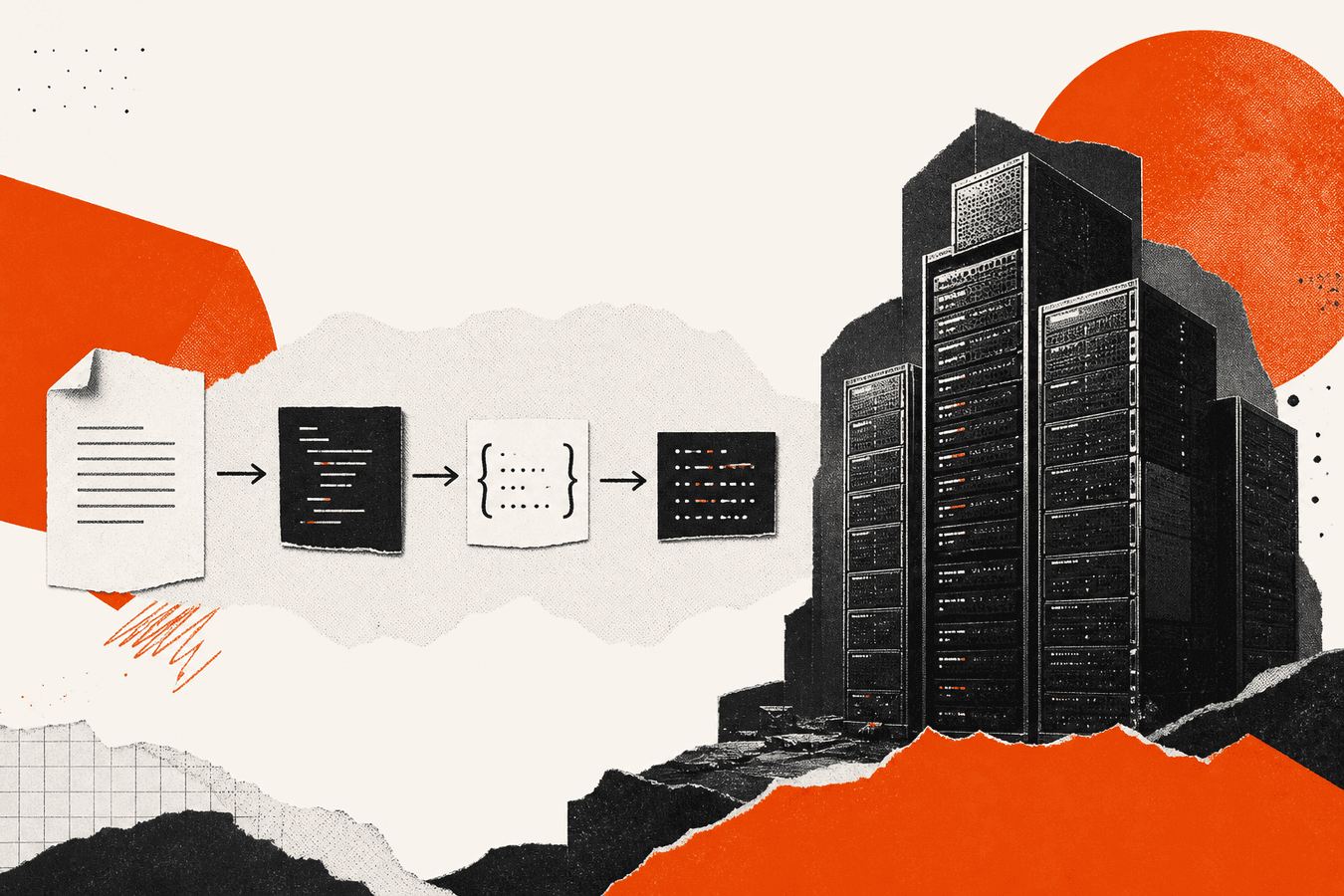
Teams search nanonets alternative when enterprise OCR quotes, sales cycles, or model training overhead stop matching the actual job. Nanonets sells a document-AI platform: custom models, workflows, and ops dashboards. A self-serve OCR API (including Toolsy’s keyed POST /api/v1/ocr) is a different shape: you pick a tool slug, send a file, read JSON text, and own retries in your code. Neither is universally better. Nanonets fits high-volume, field-specific extraction with budget for onboarding. A lightweight API fits developers who need receipts, forms, or notes in Markdown without a six-week integration project. This article compares honestly. Toolsy is the latter category; read PDF to Markdown API for developers for request shapes and limits.
Why the comparison shows up
“Nanonets OCR” draws commercial interest (roughly 170 monthly US searches in Ads data). “OCR API” is broader (320/mo, higher difficulty). “Nanonets alternative” is small (20/mo) but high intent: the searcher already has a price sheet or a stalled pilot.
Engineers arrive here after a product manager forwards a Nanonets deck. They want to know if they can ship Friday with HTTP and a key. Operations leads arrive when Nanonets accuracy is fine but per-page economics hurt on low-value documents.
Name your document types and error budget before you pick. A platform sale optimizes for labeled fields on invoices. An API path optimizes for “get text into our app.”
What Nanonets is built for
Nanonets markets intelligent document processing: train or configure models for invoices, IDs, tables, and industry-specific layouts. Sales-assisted onboarding, custom workflows, and dashboards for review queues are part of the value.
Strengths: custom extraction when generic OCR misses layout-specific fields; human-in-the-loop review; enterprise procurement paths some startups already approved.
Tradeoffs: pricing and implementation time scale with complexity; overkill when you only need plain text from a phone photo; API surface and quotas follow their product roadmap, not yours.
If your problem is “extract these twelve labeled fields from millions of slightly different vendor PDFs,” platform vendors earn their fee. If your problem is “turn this upload into text for our backend,” weigh self-serve APIs first.
What a self-serve OCR API optimizes for
A self-serve API (Toolsy included) optimizes developer time: sign up, create a key, POST multipart form data, parse JSON. Tool slugs map to jobs (handwriting-to-text, receipt-to-excel, notes-to-markdown, etc.). You handle auth, storage, and UI.
Strengths: fast proof of concept; predictable HTTP errors; no sales call to try sandbox quotas; pairs with embed OCR widget on your site for visitor uploads.
Tradeoffs: you own monitoring, idempotency, and queueing; limited custom field training; tool list is fixed in API docs, not arbitrary schemas per customer.
Read PDF to Markdown API for developers for honest limits: browser MarkItDown paths and API OCR paths are not identical pipelines.
Pricing and sales motion
Nanonets pricing is quote-driven for many teams (Ads shows modest volume on “nanonets pricing”). Expect annual contracts and page-volume tiers for production.
Toolsy publishes API tiers on pricing with monthly recognition quotas and a free sandbox after signup. Steady traffic needs a paid API plan; sporadic volume may stay on low tiers.
Compare cost per document that matters, not sticker monthly fees. A cheap API that needs heavy human correction can lose to a platform that auto-fields invoices. A platform minimum can lose to an API when you process fifty receipts a month.
Accuracy: receipts, forms, and handwriting
Generic OCR APIs do well on clean prints and many phone photos. Messy handwriting, faded scans, and odd layouts still fail. Nanonets can train toward specific layouts when you invest labels.
For bookkeeping-shaped jobs, read sibling workflows: receipt photo to Excel for bookkeeping, invoice OCR for freelancers, and OCR for bookkeeping workflow. They describe cleanup expectations without promising perfect fields.
Run a blind sample of fifty real documents through both paths before you sign. Measure field error rate your finance team will accept, not vendor demo slides.
When Nanonets tends to win
High page volume with repeating layouts; need for reviewer UI; procurement already standardized on the vendor; budget for model iteration.
When self-serve API tends to win
Small teams shipping an MVP; dev-owned pipeline; mixed doc types at low volume; you only need text or a simple table export.
Widget embed vs server-side API
Nanonets and similar platforms may offer hosted flows. Toolsy’s widget shares OCR quota with your account for on-site uploads.
Server-side API calls keep keys off the browser. Widgets fit support forms and member uploads where you do not want to build file UI. Security rule: never expose production keys in front-end JavaScript.
Embed OCR widget on your site covers embed boundaries; API docs cover Bearer auth on the server.
Markdown and structured output
RAG and note apps often want Markdown-shaped text. Browser Convert to Markdown uses MarkItDown-family conversion for supported files. The OCR API returns text from tool-specific models; notes-to-markdown is the Markdown-oriented slug on the OCR path, not a full duplicate of every browser converter.
Do not assume one Nanonets export format maps 1:1 to Toolsy tools. Map your downstream schema (CSV columns, JSON fields, raw text) to the tool list that exists today.
Warehouse slips and internal forms: packing slip OCR for small warehouse shows operational expectations at small scale.
Privacy, retention, and compliance
Enterprise platforms sell SOC2 narratives and custom data handling. Self-serve APIs still need your policy review: what you upload, where keys live, how long vendors retain bytes.
Toolsy processes OCR uploads for the request; read site privacy policy before sending regulated data. Neither path gives you HIPAA by default because a blog said so.
Air-gapped or strict residency requirements may block both cloud options. Local Tesseract or on-prem vendors belong in that branch of the decision tree.
Migration off Nanonets
If you overbought platform seats, migration is re-mapping fields and retraining staff on a simpler flow. Export historical extractions. Rebuild templates against API tool outputs. Run dual-write on a sample queue before you cut over billing.
If Nanonets was right but too expensive, negotiate volume or scope down to the document classes that pay back. Alternatives are not always cheaper at scale.
Frequently asked questions
Is Toolsy a direct Nanonets replacement?
Not for every use case. Toolsy is a self-serve OCR and document utility API plus browser tools. Nanonets targets trained document workflows and enterprise ops. Compare document types and required field accuracy before you switch.
What does nanonets alternative mean in search?
Usually a buyer comparing cost, implementation time, or API fit. Volume is small but intent is commercial. This article addresses that comparison; it does not rank vendors as “#1.”
When should I choose an OCR API over Nanonets?
When developers own the pipeline, document volume is moderate, and plain text or simple structured output is enough. Start with API docs and a fifty-file eval.
When should I stay on Nanonets or similar platforms?
When labeled field extraction on high volume, reviewer UI, and custom models justify sales-led onboarding and higher spend.
How does Toolsy OCR API pricing compare?
Published monthly recognition quotas on pricing; free sandbox after signup. Nanonets is typically quote-based. Compare cost per successfully automated document, not list price alone.
Can I get PDF to Markdown through the Toolsy API?
Partially. Browser MarkItDown paths differ from OCR API tools. Read PDF to Markdown API for developers for which slugs exist and PDF page limits on OCR.
Is handwriting supported on a self-serve API?
Yes via tools like handwriting-to-text where listed in API docs. Accuracy varies by photo quality; see phone camera tips for better OCR for capture hygiene.
Can I embed OCR without building my own uploader?
Yes. Use the widget path described in embed OCR widget on your site. Keys and quotas still belong to your account.
What about receipt and invoice automation?
Workflow posts cover expectations: receipt photo to Excel, invoice OCR for freelancers. APIs return starting text; your app owns accounting rules.
Where should I start technically?
Create a key, call POST /api/v1/ocr with a real tool value, handle 429 quota responses, and log failures. Full shapes: PDF to Markdown API for developers and live API docs.
If a lightweight HTTP path fits your volume, prototype on the free sandbox before you reopen an enterprise OCR renewal.
OCR API documentation
Create a key, call POST /api/v1/ocr with a real tool slug, and read quotas on the live docs.