Guides
Canva QR codes vs a plain QR generator: design vs scan reliability
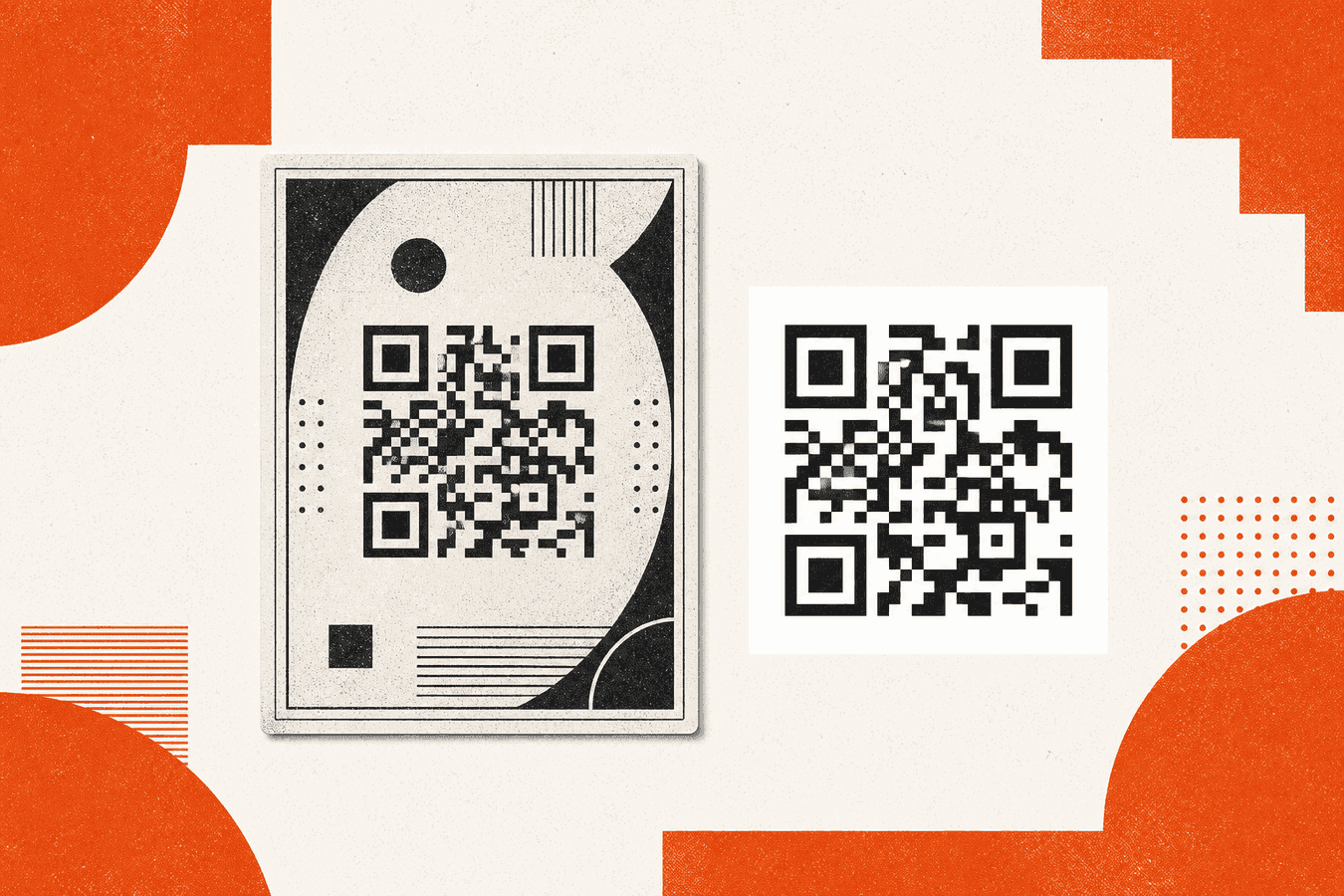
Canva dominates searches like “canva qr code” because designers already live there. You drop a QR module on a poster, wrap it in brand colors, and export a polished PDF. Plain QR generators optimize the opposite job: encode a URL quickly, download a high-contrast square, and print without opening a design suite. Canva wins when the QR is one element in a branded layout you already build in Canva. A plain generator wins when scan reliability matters more than gradient frames, or when you need Wi‑Fi or vCard payloads without a Canva account. Toolsy’s QR code generator runs in the browser, draws PNG or SVG on your device, and needs no sign-up for static codes. This is not a Canva tutorial; it compares categories honestly.
Why Canva shows up when people search QR codes
QR adoption moved from factory floors to menus, flyers, and slide decks. Canva users search “canva qr code generator” to avoid a second tool. Marketing wants one export: logo, headline, QR, footer.
Plain-generator users search “qr code generator free” with different intent. They have a URL and need a square in two minutes. Design polish is secondary to “will this scan on a dim restaurant table?”
Both intents are valid. Problems start when a styled Canva code fails scans because contrast dropped, or when a plain black square clashes with an otherwise beautiful poster. Pick the tool for the primary risk: brand presentation or first-scan success.
For scan debugging, see QR code won't scan checklist. For no-account expectations, see free QR generator without account.
What Canva QR codes give you
Canva’s QR element lives inside a full design canvas. You control surrounding typography, photography, color blocks, and print sizes. Export to PDF, PNG, or share a Canva link depending on plan.
Strengths are visual integration and team templates. A franchise can lock brand fonts while local stores swap the URL text layer. “QR code with design” searches reflect that need: the code is part of a composed piece, not a standalone asset.
Canva also fits marketers who already pay for seats. Adding QR does not introduce a new vendor if policy cares about vendor count.
Limits appear on dynamic behavior and payload types. Canva QR typically encodes a URL you paste. Wi‑Fi join codes, vCard contact blocks, and SMS payloads may be easier in dedicated generators. Dynamic QR with editable destinations after print is a separate product class; Toolsy Pro Dynamic QR covers that on Toolsy, not in Canva’s free QR element.
Designed cards, posters, and menus
Restaurant tables often want a designed tent, not a bare QR PNG taped to acrylic. Canva shines here: photo background, logo, short caption, QR in the corner.
Keep a quiet zone around modules even in Canva. Crowding the code with text or clip art triggers scan failures. QR codes with logo: scan reliability applies when you embed brand marks inside the matrix.
Export at print resolution. Screen-preview PNGs blown up to A5 look soft and cameras struggle. Test print at final size.
Brand colors and contrast tradeoffs
Canva encourages on-brand purples and pastels. QR readers want dark modules on light quiet zone. Low contrast is the top failure mode for designed codes.
If brand mandates light-on-dark, invert carefully and test on three phones. Plain black on white still wins for reliability-critical jobs like payment links or Wi‑Fi in a busy lobby.
What plain QR generators optimize for
Plain generators take payload in, image out. Toolsy QR code generator encodes static URLs client-side and offers PNG or SVG download without an account. Wi‑Fi QR builds join-network payloads with passwords staying on your device.
Speed is the win. Paste URL, download, drop into any layout tool you prefer. No Canva load time, no template hunt.
Reliability is the second win. Minimal styling preserves module clarity. You add branding outside the code’s quiet zone in InDesign, Slides, or Canva after generating a clean square.
Plain tools also fit developers embedding SVG in sites or kiosks where CSS controls surrounding design.
Static URL codes for print and web
Most marketing QR codes are static HTTPS links. Event page, menu PDF, product manual. Plain generators encode exactly what you paste; changing the URL later requires a new code unless you use dynamic QR.
Validate the URL on cellular data, not only office Wi‑Fi. Trailing spaces and HTTP-only links cause “QR broken” reports that are really bad destinations.
Download SVG when you need infinite scaling in a print shop file. PNG is fine for slide decks and quick office prints.
Wi‑Fi and specialty payloads
Guest Wi‑Fi QR is a different search cluster from Canva poster design. Toolsy Wi‑Fi QR formats SSID and password into a scannable join code. Canva users sometimes fake this with plain text under a URL QR; dedicated Wi‑Fi encoding scans more reliably.
For restaurant floor operations beyond design, QR code menu for restaurants covers hosting and update cycles.
Canva vs plain generator: comparison table
| Need | Canva QR | Plain generator (Toolsy) |
|---|---|---|
| Full poster / menu design | Strong | Export QR only; design elsewhere |
| Fast URL to PNG, no account | Possible with login | Strong |
| Maximum scan reliability | Risk if contrast low | Strong default |
| Wi‑Fi join payload | Manual workaround | Native Wi‑Fi QR tool |
| Dynamic URL after print | Not core free QR | Pro Dynamic QR on Toolsy |
| Team brand templates | Strong | N/A |
| SVG for print shop | Export from design | Direct SVG download |
Canva is a design suite with QR included. Toolsy is a utility generator with optional dynamic Pro features.
When designed Canva QR codes win
Choose Canva when the deliverable is a composed visual: table tent, conference banner, Instagram story with QR in corner. Choose it when designers already work in Canva and stakeholders expect template governance.
Also choose Canva when brand color rules require every customer touchpoint to pass marketing review. Generate a high-contrast QR in a plain tool first, place it as an image in Canva, and avoid recoloring modules.
Accept the scan test as part of design QA, not an afterthought.
When a plain generator wins
Choose plain when the code must scan under bad light: warehouse signage, outdoor stickers, projected slides. Choose plain when you encode Wi‑Fi or need SVG without Canva export limits.
Choose plain when sign-up friction blocks a volunteer making codes for a school fair. Free QR generator without account lists what to verify on any site.
Developers embedding codes in apps should start from plain SVG, then style surrounding UI in code rather than inside the matrix.
Scan reliability before you print a thousand copies
Run the five-phone test: iOS camera, Android camera, one older device, dim room, outdoor glare. Hold at realistic distance.
If Canva styling fails, replace the matrix with a plain-generated PNG placed as an image layer. Keep caption and photography in Canva; keep modules black and white.
Short URLs reduce module density and improve scan margin. Long query strings create busy patterns that fail on low-end cameras.
Dynamic QR helps when the destination changes but print stays fixed; compare dynamic QR vs static QR for marketing before you pay for either path.
Frequently asked questions
Is Canva QR code generator free?
Canva offers free tiers with limits; QR elements are available within Canva’s normal plan constraints. Export options, brand kit features, and team seats may require paid Canva plans. Check Canva’s current pricing for your region. Toolsy static QR code generator remains free without an account for basic PNG and SVG.
What is a good Canva QR code alternative?
For utility encoding without design suite overhead, use a plain QR code generator. For Wi‑Fi guest codes, use Wi‑Fi QR. For editable destinations after print, consider Pro Dynamic QR on Toolsy. Canva remains the alternative when you need full layout design, not when you only need a reliable square.
Do designed QR codes scan as well as plain codes?
They can, if contrast and quiet zone stay within spec. Heavy color inversion, gradient modules, and embedded logos reduce success rates. Plain black-on-white codes scan best. When design must win, test early and keep a plain backup asset.
Can I use Canva for Wi‑Fi QR codes?
Canva QR typically encodes URLs, not standard Wi‑Fi join payloads. You can link to a captive portal page, but guests still type passwords unless you use a dedicated Wi‑Fi QR generator. Toolsy Wi‑Fi QR formats the network join string phones expect.
Should I download QR as PNG or SVG from a plain generator?
SVG scales cleanly for print vendors and sharp retina screens. PNG is simpler for slide decks and email. Canva users often place an SVG or high-res PNG exported from a plain tool onto the canvas.
Why does my Canva QR code not work?
Common causes: low contrast, cropped quiet zone, blurry export resolution, or a URL that fails on mobile data. Walk through QR code won't scan checklist. Replace the code module before you reprint the whole campaign.
Is a plain QR generator safe for customer URLs?
Static Toolsy codes encode on your device for basic generation; you control which URL is embedded. Review any hosted dynamic QR provider for redirect logging and account requirements. Do not encode admin or tokenized URLs in public print.
Can I add a logo inside a plain QR code?
Some generators allow center logos with error correction turned up. Toolsy documents reliability tradeoffs in QR codes with logo. Canva users often place logos adjacent rather than overlapping modules.
When should I use dynamic QR instead of Canva static design?
Use dynamic when the printed square must outlive the landing page: seasonal promos, menu PDF swaps, A/B tested destinations. Static Canva or plain codes lock the URL in the image. Pro Dynamic QR on Toolsy edits the destination without reprinting if your workflow fits that product.
How does Canva QR compare to SmallPDF or PDF tools?
Different categories. Canva QR addresses marketing design. PDF merge and compress comparisons like SmallPDF vs Toolsy address documents. Pick Canva for poster QR; pick document tools for PDF workflows.
For operational QR guides, continue with QR code menu for restaurants and QR for PDF downloads.
Generate a QR code
Paste a URL, download PNG or SVG on your device. No sign-up. Static code encodes exactly what you enter.