Guides
QR code menu for restaurants (PDF + QR)

A qr code menu is a printed square that opens your digital menu on a guest’s phone. You host a PDF or a mobile-friendly page at a stable URL, turn that link into a code, and place the print on the table, bar, or window. Guests scan with the camera and read prices without a paper booklet. The free QR code generator on Toolsy builds that static code in the browser (PNG or SVG, no sign-up). If you change the menu URL often, a Pro dynamic QR keeps the same printed square while you edit the destination. This guide covers hosting, printing, updates, and the honest line between free static and paid editable.
Why restaurants still use a QR code menu
Paper menus wear out. Prices move with suppliers. Daily specials outpace the print shop. A restaurant qr code menu puts the living list online and leaves a durable mark on the table.
Search volume follows that job. People look up “qr code menu,” “qr menu,” and “qr code for menu” when they need a workflow, not a POS sales deck. The core ask is simple: guests open today’s dishes from a phone without you reprinting every page.
Contactless dining made the pattern familiar. Guests already point cameras at table tents. You still owe them a fast page, readable type, and a code that scans in restaurant lighting.
A QR does not replace good service. It removes the lag of hunting for a clean booklet and the cost of reprinting every price change when your host URL stays put.
Host the menu before you generate anything
Generate last. Host first. A perfect PNG that points at a broken link fails every scan.
Pick one public URL that opens the menu on a phone browser. That can be a PDF on your site, a Drive or Dropbox share set to “anyone with the link,” or a simple page on your restaurant site. Write the full address with https://. Test it on cellular data, not only café Wi‑Fi.
Keep the URL short and stable. Long tracking strings make denser codes that need more print size. Prefer a clean path such as yoursite.com/menu that you can update behind the scenes.
PDF file versus a menu page
A PDF works when you already design the menu in layout software. Guests get the same look as print. On small phones, long multi-column PDFs force pinch-zoom. Export a single-column or “mobile” PDF if your designer can spare one.
A mobile HTML page scrolls better and can hold allergen notes, photos, or language tabs. You do not need a full ordering app for a browse-only menu. A static page you can edit in your CMS is enough for many rooms.
Either format is fine for a QR. The phone only needs a URL that loads. Choose the format your team can update without calling a printer.
Keep one stable address
Name the file or page once and keep that name. When you raise prices, replace the PDF at the same path or edit the same CMS page. Guests who already bookmarked the link still land on current dishes.
If each reprint uses a new Drive filename (menu-v17-final.pdf), every old QR breaks. That is a hosting mistake, not a generator fault. Fix the URL habit before you order plastic table tents.
How to make a restaurant QR code menu
Phrases like “how to make a qr code menu” map to a short loop once hosting is done.
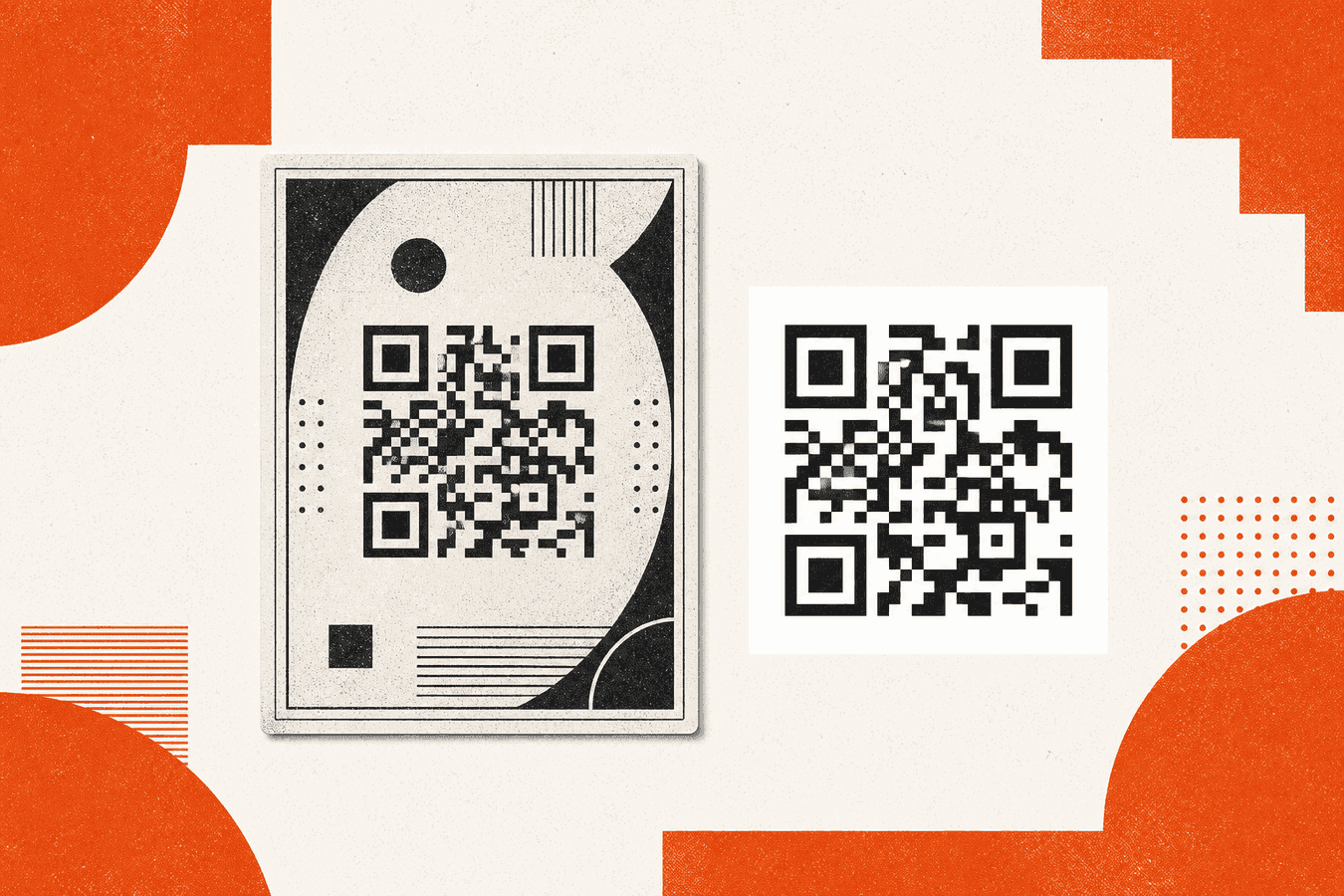
Open Toolsy’s QR code generator. Paste the full menu URL. Create the code on your device. The tool draws the picture in the browser and does not store the link. Download PNG for a quick office print, or SVG if you will place the mark in a design file and scale it without blur.
Scan the preview with your own phone before you print a batch. Confirm the page that opens is the menu you meant, on mobile data. Fix typos in the URL now. A static code locks the address into the picture.
If you want a free generator checklist (sign-up traps, expiry claims), read Free QR generator without account. For this restaurant job, free static is enough when the host URL will not change.
Skip “qr code menu generator” product pages that fold in ordering, payments, and monthly menu CMS fees unless you need that stack. Toolsy’s free tool only encodes the link you already host.
Print size and table tent placement
“Qr code print size” and “table tent qr code” searches are about cameras in real rooms, not desktop zoom.
Aim for a printed square at least about 2 to 3 cm (roughly 1 inch) on a table tent guests hold close. For wall or window mounts scanned from a meter away, go larger: 4 to 5 cm or more. Leave a quiet white margin around the square. Crowding the mark with borders, stickers, or busy backgrounds kills the lock.
Print a test on plain paper under the same lighting as the dining room. Dim pendant lights and glossy laminate both fail scans that looked fine on a bright laptop. Matte stock helps. Avoid heavy color fills behind the modules.
Table tents, counters, and windows
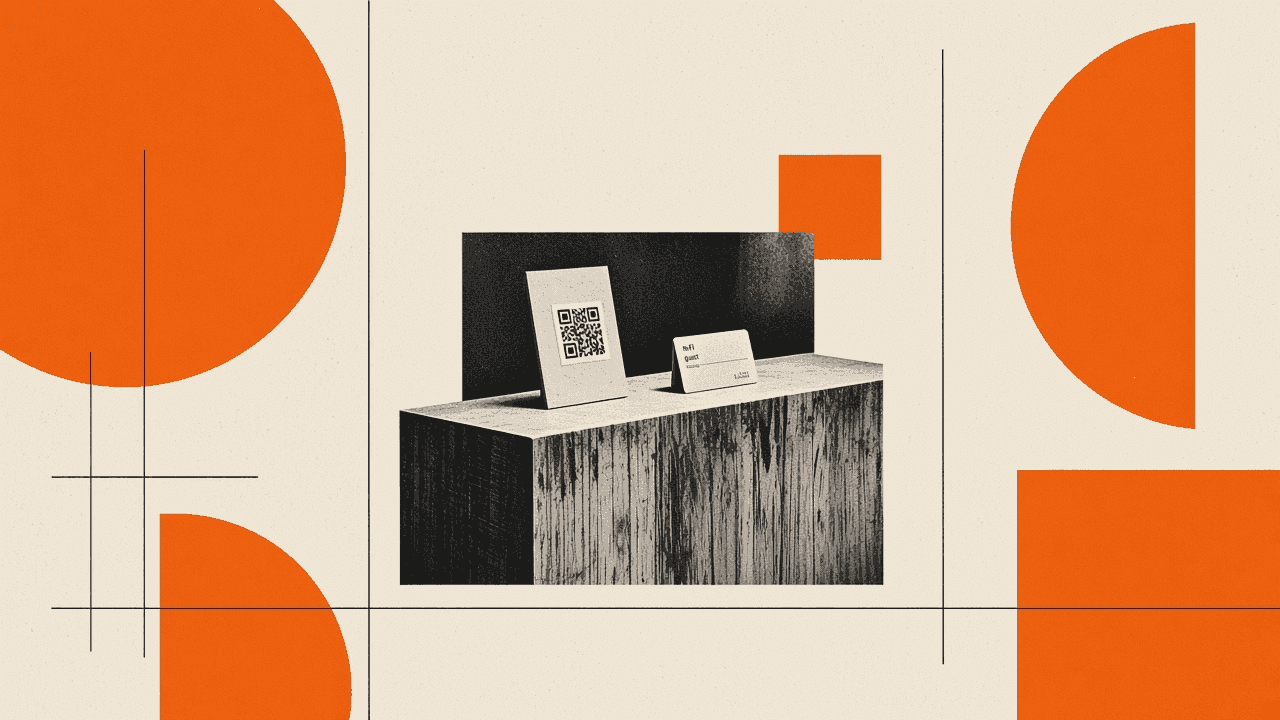
Table tents put the code at arm’s length. Center the square on the face guests see when seated. Caption it with a short line such as “Scan for today’s menu” so people know the job of the mark.
Counter and takeaway spots need a taller stand or a sticker at eye level. Window vinyl faces street glare. Size up and keep contrast high: dark modules on a light ground.
If you add a logo inside the code, keep contrast and quiet zone honest. QR codes with logo: scan reliability covers that tradeoff. A plain black-and-white mark on cream stock still wins for reliability.
Laminate, grease, and wear
Kitchen air, fingers, and cleaners dull prints. Laminate table tents or use replaceable paper inserts inside plastic holders. When the surface scratches or yellows, reprint the insert. Do not wait until half the room fails to scan.
Store spare SVGs or PNGs with your brand files so staff can reprint without regenerating from memory.
Updating the menu without reprinting every time
Price changes are where static and dynamic split. Be honest about cost.
Free static (Toolsy QR code generator): the URL is fixed in the image. You can still update the content if you replace the PDF or edit the page at that same URL. Guests scan the old square and see new dishes. You reprint only when the address itself must change (new domain, new Drive file ID, broken short link).
Pro dynamic (Dynamic QR): the printed square encodes a short Toolsy link (toolsy.tools/q/…). You change the destination in your account. The table tent stays. You also get a scan count per code. Cap is up to 50 dynamic codes on Pro. Pricing is $9/mo or $79/yr. Dynamic is not free. If you cancel Pro, existing redirects keep working about 120 days, then stop.
When static is enough
Seasonal menus you update in CMS or by overwriting one PDF fit free static. Pop-up dinners with a one-week URL and disposable table cards also fit. Reprint cost is low and the address is final.
Cafés that change the Drive share every Monday fight static. Each new share link needs a new code or a redirect you maintain yourself.
When Pro dynamic earns its keep
Use editable codes when laminated tents, window vinyl, or branded acrylic stands must outlive weekly URL changes. Seasonal drink lists, rotating pop-ups, and multi-location menus that point to different pages over time fit that pattern.
For the marketing decision frame (reprints vs editable, scan counts vs “analytics”), see Dynamic QR vs static QR for marketing. This restaurant article stays on the menu workflow; that post owns the buy/no-buy checklist.
PDF download QR versus a full digital menu stack
Some operators want the scan to download a PDF rather than open a browser page. That is a close cousin of this workflow and lives under a different search cluster (“qr code to pdf”). For listings, one-pagers, and download-first jobs, see QR for PDF downloads. Here the restaurant rule stays short.
If your host serves a PDF URL, a normal URL QR already opens or downloads that file. You do not need a special “PDF QR type” for the dining room. You need a public file link and a print that scans.
Full QR-menu SaaS products add online editing, ordering, and payments. Use them when you want that product. Toolsy’s free generator does not host your dishes or take orders. It only encodes the link you provide.
Trust, stickers, and related table jobs
Printed codes sit in public. Treat them like any other customer-facing asset.
Watch for sticker-over-QR fraud in cafés and takeaways: someone covers your mark with a lookalike that opens a phishing or payment page. Train staff to glance at tents during open and close. If the plastic looks freshly layered or the quiet zone vanishes under a second sticker, peel and replace. A deeper fraud checklist will land in a later guide; do not wait on that article to check your own tables.
Upload and share habits matter when you put menu PDFs on public drives. Is it safe to upload documents online? covers what to strip before a file goes live.
Many rooms also need guest Wi‑Fi on the same table. Pair the menu tent with a separate guest-network sheet from Printable Wi‑Fi QR for your guest network. Keep Wi‑Fi credentials on the Wi‑Fi tool. Do not paste passwords into a generic URL field by mistake.
If a print will not lock, check size, contrast, glare, and damage before you blame the phone. The free QR diagnose tool walks common print faults on your device.
Frequently asked questions
What is a restaurant QR code menu?
A restaurant qr code menu is a printed square that opens your digital menu when a guest scans it with a phone camera. The code holds a URL to a PDF or a mobile page you host. Guests read dishes and prices in the browser. Ordering and payment only happen if your linked page or app provides them.
How do I create a QR code menu for my restaurant?
Host the menu at a public HTTPS URL first. Paste that URL into a free QR code generator, download PNG or SVG, and print a test. Scan with your phone on cellular data before you order table tents. Keep one stable URL so price updates do not force a reprint when you only change the file behind the link.
Can guests scan a QR code to see the menu?
Yes. Most phones open the link in the camera or a QR reader and load your page or PDF. The scan fails when the print is too small, too glossy, poorly lit, or points at a private Drive link. Fix hosting and print quality before you assume the guest’s phone is the problem.
Is there a free qr code menu option?
You can make a free static QR that points at a menu you already host. Toolsy’s generator needs no account and draws the code in the browser. “Free qr code menu” SaaS trials often mean a hosted menu builder with limits, not only a PNG. Dynamic codes you can edit after print are Pro on Toolsy ($9/mo or $79/yr), not free.
Do I need a dynamic QR code for a restaurant menu?
Only if the printed square must stay while the destination URL changes often. If you update the same PDF path or CMS page, free static is enough. If laminated tents outlive weekly new Drive links, Pro dynamic avoids reprints. See Dynamic QR vs static QR for marketing for the full decision frame.
Should the QR open a PDF or a web page?
Either works. PDFs match printed design; long multi-column files frustrate small phones. A simple mobile page scrolls more easily and can hold allergens or photos. Encode whichever URL your team can keep current. The generator only cares that the link loads for guests.
What print size works on a table tent?
Use at least about 2 to 3 cm (about 1 inch) for codes guests scan from hand distance, with a quiet white margin. Size up for windows and walls. Print a paper test under dining-room light. Matte finishes and high contrast beat tiny glossy stickers.
Can I put my logo in the menu QR?
You can, if contrast and the quiet zone stay strong. Heavy logos and colored modules raise failure rates under restaurant lighting. Prefer a plain mark on the tent and put branding on the caption or holder. Details live in QR codes with logo: scan reliability.
What if someone sticks a fake QR over ours?
Covered codes can send guests to phishing or fake payment pages. Check tents during open and close for layered stickers or odd quiet zones. Replace compromised prints and tell staff what your real mark looks like. Treat public QRs like any other customer-facing link.
Does Toolsy host my restaurant menu or take orders?
No. The free generator encodes a URL you provide. Dynamic QR on Pro only redirects and counts scans. Menu content, ordering, and payments stay on your site, PDF host, or POS vendor. Use Toolsy for the printable mark; keep the menu system where your kitchen already updates prices.
For guest Wi‑Fi on the same table, see Printable Wi‑Fi QR for your guest network. For free-generator traps and no-signup checks, see Free QR generator without account.
Free QR for your menu URL
Paste the link to your PDF or menu page. Download PNG or SVG. No account. The picture is drawn in your browser.