
Guides
Markdown for AI: complete guide (hub)
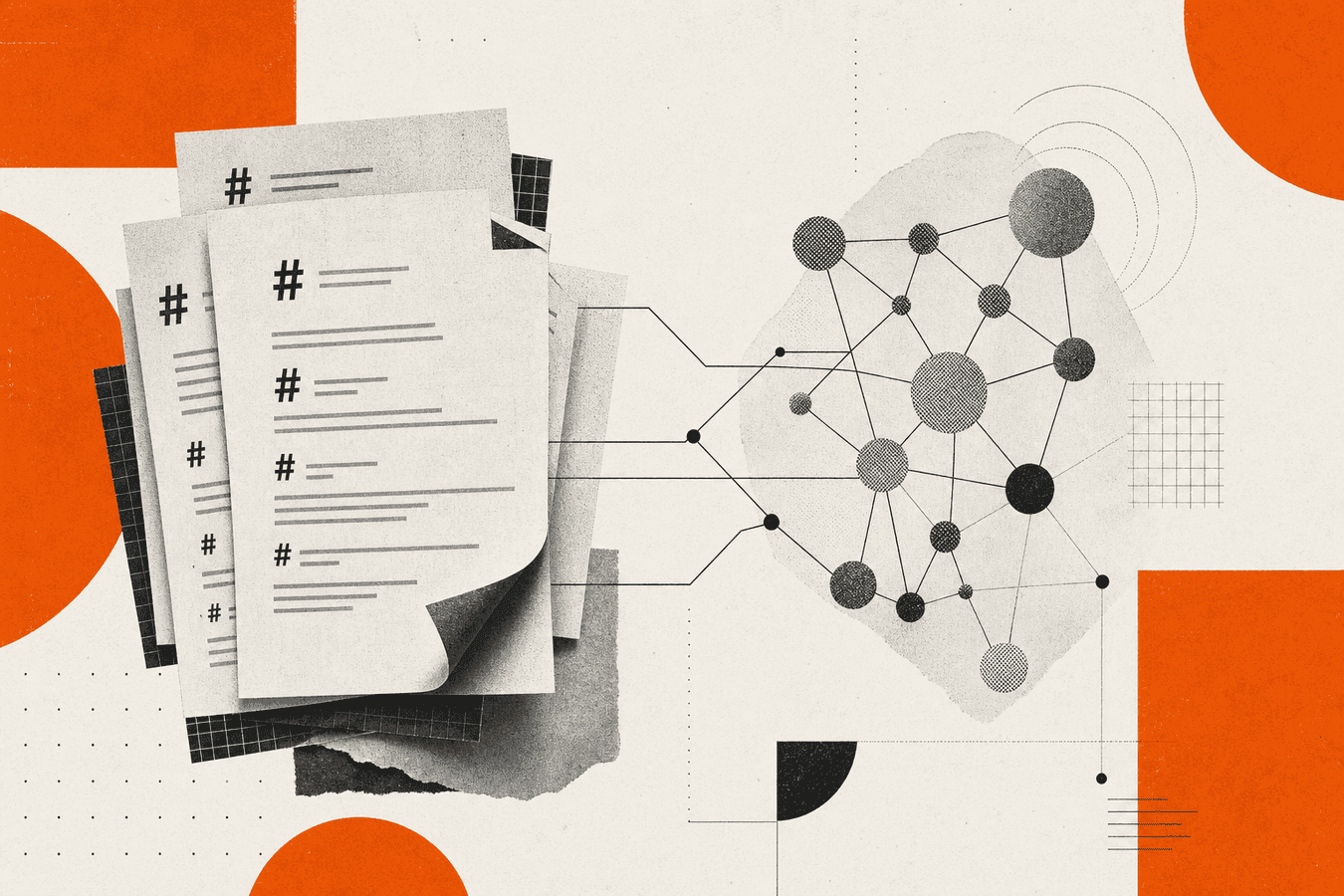
Markdown is the practical interchange format between messy office files and AI systems that read plain text. Models and embedders handle headings, lists, and tables better than raw PDF bytes or pasted layout noise. A Markdown-for-AI workflow is not one click: you convert sources to .md, fix structure by eye, then chunk or paste into chat, RAG, or local assistants. This hub maps that path and points you to the right deep guide. Start at Convert to Markdown when you have a file in hand. Open prepare documents for RAG with Markdown when you are building a retrieval corpus. Read why LLMs prefer Markdown over PDF when you need the format argument before you convince a team.
Who this hub is for
You belong here if you upload PDFs to ChatGPT and get vague answers, if your RAG index returns footer text instead of policy clauses, or if engineers ask for “LLM-ready docs” without a shared spec. Founders, ops leads, and developers all hit the same wall: the model is fine; the text shape is wrong.
You do not need to memorize every converter flag. You need a decision order: convert, clean, chunk or paste, then automate when volume grows. This page is the index. Sibling posts own the how-tos for PDF-only paths, Word lists, decks, APIs, and privacy.
If you only want a one-off PDF conversion with no AI downstream, the transactional path is PDF to Markdown. This hub stays on scenarios where the output feeds models, search, or note apps.
Decision tree: which guide to open next
Use this tree before you open ten tabs. Pick the branch that matches your job today.
You have one file and need Markdown now.
→ Mixed types: Convert to Markdown. PDF only: PDF to Markdown. Step-by-step walkthrough: PDF to Markdown step by step.
You are building RAG or a company knowledge base.
→ Pipeline order: prepare documents for RAG with Markdown. Local vault angle: building a knowledge base from local AI documents. Obsidian import: import PDFs into Obsidian as Markdown.
You paste into ChatGPT or Claude instead of indexing.
→ Format choice: ChatGPT PDF upload vs Markdown-first. Why structure matters: why LLMs prefer Markdown over PDF.
You need slides or web pages in the corpus.
→ Decks: export PowerPoint to Markdown for LLM use. Articles: save a web article as Markdown.
You are automating with code or an API.
→ HTTP path: PDF to Markdown API for developers. Library vs browser: MarkItDown CLI vs browser converter. Three-way compare: Marker vs MarkItDown vs online.
You worry about uploads and retention.
→ Checklist: is it safe to upload documents online?.
You are shopping converters or migrating off another vendor.
→ CloudConvert vs a Markdown pipeline for RAG. pdf2md.net vs a full document converter suite.
Why Markdown for AI beats raw PDF in the pipeline
PDFs encode where text sits on a page. Models and chunkers need what the text means in order: title, sections, steps, tables. Naive PDF extraction shuffles columns, drops headings, and repeats footers. You pay in tokens and wrong answers.
Markdown gives you an editable intermediate. You see # hierarchy. You delete boilerplate. You split on ## before embedding. The same file diffs in Git, renders on a docs site, and pastes into a chat window without a proprietary upload slot.
Markdown does not fix bad scans by itself. It makes cleanup possible. That distinction matters when someone says “we already have PDFs in S3.” You still need a text layer humans can fix.
For the full model-side argument (tokens, structure, citations), read why LLMs prefer Markdown over PDF. This hub assumes you already want .md; it routes you to conversion and ingestion depth.
Convert sources to Markdown
Conversion is stage one. Pick the guide that matches your file type and how much hand-holding you want.
PDF and scans
Digital PDFs convert fastest. Scans need OCR first or a tool path that accepts images. Start with PDF to Markdown step by step. When tables and figures break, see PDF to Markdown tables and images. Hard PDFs may need a compare pass across tools; Marker vs MarkItDown vs online lays out tradeoffs.
Word, GitHub docs, and EPUB
Word lists often break on export. DOCX to Markdown without breaking lists covers the usual failures. Engineering handbooks: Word to Markdown for GitHub. Books and long reads: EPUB to Markdown for quotes.
Decks, HTML, and mixed batches
Slide titles hide in shapes. Export PowerPoint to Markdown for LLM use is the deck path. Static site exports: Markdown to HTML for static sites when you need the reverse for publishing, not ingestion. One upload form for many extensions: Convert to Markdown.
Library and CLI batch jobs
When a human is not clicking upload, read what is MarkItDown? and MarkItDown CLI vs browser converter. CI and private corpora usually land here after you prove quality on samples in the browser.
Clean and structure before the model sees text
Conversion gives a draft, not a corpus. Open the .md and fix what users will ask about.
Check the outline in preview. Promote section titles to ## when they landed as bold paragraphs. Remove repeated headers and legal footers on every page. Fix tables that lost a column; broken tables poison numeric answers.
Name files with stable IDs (hr-pto-2026.md) so metadata survives re-converts. Keep originals read-only; edit Markdown in a separate tree. When legal or PMs need Word track changes, use Markdown to Word for review and merge approved text back into the .md.
Skipping this pass is the main reason teams blame “the model” when retrieval returns page numbers and disclaimers.
Chunk for RAG and long chat context
Chunking decides what the retriever can return. Heading-based splits beat arbitrary token windows for handbooks and policies.
Use ## boundaries first. Split oversized sections on ### or paragraphs with a max token budget and small overlap. Store source filename and section title in metadata. Re-chunk when the Markdown changes; do not edit vectors alone.
For end-to-end ingestion order (convert → clean → chunk → index), follow prepare documents for RAG with Markdown. For personal vaults and local assistants, pair that with building a knowledge base from local AI documents.
Paste workflows still benefit from heading-aware cuts. Paste one ## section per message when a whole handbook overflows the context window.
API, widget, and automation paths
Browser tools fit samples and demos. Production ingestion usually needs a key and a worker.
Read PDF to Markdown API for developers for Toolsy’s OCR API shape, quotas, and honest limits (which tools exist on the API vs browser-only MarkItDown). Embed on a site with embed an OCR widget on your site when the job is visitor uploads, not batch ETL.
Do not invent endpoints. Match the live tool list in API docs. When volume is low, staying in the browser is often cheaper than operating keys and retries.
Privacy, limits, and when not to use cloud conversion
Public converters fit published manuals, marketing PDFs, and training corpora without secrets. Confidential HR, health, or unreleased contracts need a trust review before any upload.
Read is it safe to upload documents online? for retention and provider boundaries. Toolsy processes uploads for the response and drops them; that does not replace your compliance sign-off.
Some formats stay PDF by design: signed contracts, print-perfect brand PDFs for clients. Keep Markdown internal; ship PDF externally via Markdown to PDF for clients when needed.
Common mistakes in Markdown-for-AI projects
Teams dump fifty PDFs, embed without headings, and declare RAG broken. Others paste entire decks as one blob. Others re-convert from PDF after every Markdown edit and wonder why diffs never stabilize.
Fix the process before you swap models. Sample three hard files per format. Write cleanup rules once. Version the Markdown tree. Measure retrieval on ten real questions before you scale storage costs.
When generic file converters enter the story, compare goals: CloudConvert vs a Markdown pipeline for RAG explains breadth vs LLM-ready structure.
Frequently asked questions
What is Markdown for AI in one sentence?
It is the practice of converting documents to clean .md text so language models, embedders, and chat tools can read structure (headings, lists, tables) instead of layout-heavy PDF or binary exports. Conversion is step one; cleanup and chunking still belong to you.
Is Markdown better than PDF for ChatGPT and Claude?
Usually yes for long documents, because you control headings and remove noise before paste or upload. PDF uploads can work for short files; they often waste tokens on headers and footers. See ChatGPT PDF upload vs Markdown-first for the workflow split.
How do I convert PDF to Markdown for RAG?
Convert with PDF to Markdown or the multi-format Convert to Markdown hub, fix headings in an editor, then chunk on ## sections before embedding. Full pipeline detail lives in prepare documents for RAG with Markdown.
Does MarkItDown replace my entire AI stack?
No. MarkItDown (library or Toolsy’s browser path) is a conversion layer. You still choose vector store, chunk sizes, and evals. What is MarkItDown? covers library scope; Marker vs MarkItDown vs online compares tooling styles.
What file types should I convert first for a company corpus?
Start with text PDFs and .docx handbooks your team actually queries. Add decks via export PowerPoint to Markdown when slides hold policy text. Defer scanned archives until you budget OCR cleanup time.
How do I handle tables in PDF to Markdown for LLMs?
Expect imperfect tables on first export. Open PDF to Markdown tables and images, fix critical rows by hand, or exclude decorative tables from the index. Models answer numeric questions poorly when columns shift.
Can I automate Markdown conversion in CI?
Yes, with a library path or an API when your policy allows cloud processing. Read MarkItDown CLI vs browser converter and PDF to Markdown API for developers before you wire production jobs.
Is markdown chunking required for every AI use case?
No. Short notes and single FAQ pages can paste whole. Chunk when retrieval must return a section, not a book. Search volume for “markdown chunking” is modest, but the practice matters for large corpora and RAG evals.
Where do I start if I use Obsidian or local LLMs?
Import PDFs as Markdown notes (import PDFs into Obsidian), then align with building a knowledge base from local AI documents. The hub tree above still applies; storage is local instead of a hosted vector DB.
What should I read after this hub?
Pick one branch from the decision tree and finish that guide before you open another. Most teams next need either prepare documents for RAG or PDF to Markdown step by step. Keep why LLMs prefer Markdown over PDF bookmarked when you explain the format to stakeholders. If your team already runs Pandoc locally, use Pandoc PDF to Markdown: when to skip the CLI to decide browser vs install. For mixed-script corpora, see Multi-language PDF to Markdown pipelines.
When you are ready to convert a sample file, use Convert to Markdown. For PDF-only batches, PDF to Markdown is the shorter URL. Before you push a README, skim Markdown preview before publishing a README.
Convert a document to Markdown
Upload a file and download clean Markdown for notes, chat, or RAG. Processed for the response, then dropped.


