Guides
Handwriting OCR: complete guide to capture, convert, and clean up text
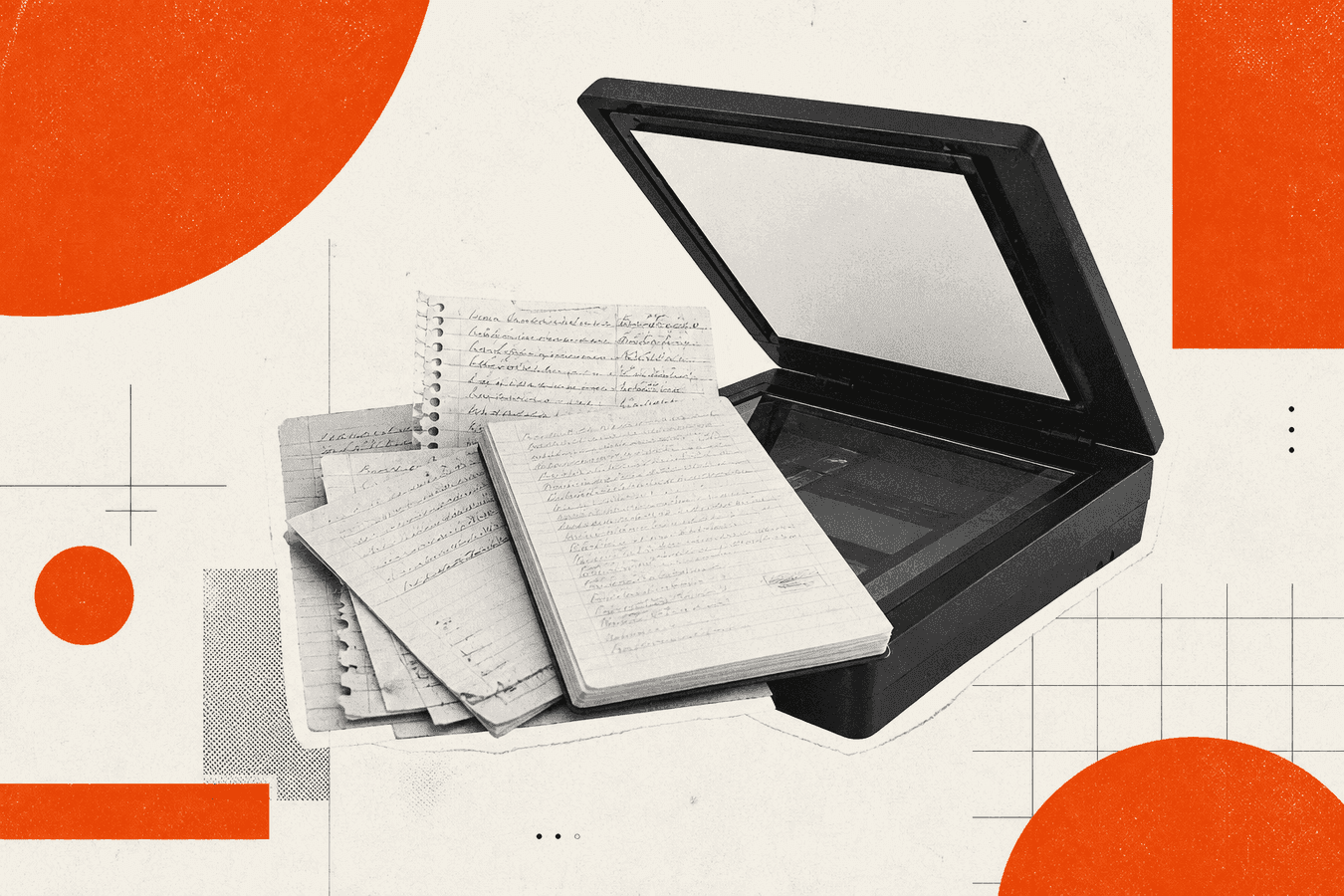
Handwriting OCR turns ink on paper into text you can search, edit, and paste. You photograph a page, run recognition, then fix names and numbers against the original. Browser tools fit occasional pages; tablet apps fit daily pen capture. This hub maps capture → convert → QA → export without repeating every sibling how-to. Start on Handwriting to Text for a one-page upload, or Notes to Markdown when you want headings preserved for Obsidian or Notion. US search volume for "handwriting ocr" sits near 1,600 monthly queries; "handwriting to text" adds another thousand. Most people want a fast path, not a computer-vision lecture.
Who needs a handwriting OCR hub
Students with lecture pages, clinicians reviewing handwritten addenda, genealogists with family letters, and meeting note takers with whiteboard photos all land on the same search results. The capture and privacy rules differ even when the convert button looks identical.
Pick a lane below. Open the linked guide for step-by-step QA. Return here when the source changes from a notebook to a shoebox archive.
If your pipeline ends in Markdown for an LLM, pair OCR with Markdown for AI: complete guide. For enterprise OCR API comparisons, read Nanonets vs self-serve OCR API.
Decision tree: from paper to editable text
| Source | First step | Deep guide |
|---|---|---|
| One-off phone photo, no app install | Handwriting to Text | Convert handwriting to text without an app |
| Lecture or study notes | Handwriting to Text | Lecture notes photo to text |
| Whiteboard after a meeting | Handwriting to Text | Whiteboard photo to text after meetings |
| Doctor or prescription script | Local policy first | Read doctor handwriting on a prescription |
| Family letters and genealogy | Handwriting to Text | Digitize family letters for genealogy |
| Old cursive in archives | Human + OCR mix | Read old handwriting in English archives |
| Fragile papers without a flatbed | Gentle capture | Scan fragile papers without a flatbed |
| Shoebox of mixed photos | Batch plan | Shoebox to searchable family archive |
| Phone OCR vs dedicated tool | Compare first | Google Lens vs handwriting OCR tool |
| Medical charts and HIPAA | Policy gate | Medical document OCR privacy checklist |
When accuracy matters for legal or medical decisions, treat OCR as a draft. A human still signs the record.
Capture: how to photograph handwriting for OCR
Recognition quality starts with light and flat pages. Thirty seconds at the desk beats five minutes fixing [?] tokens later.
Lay the page flat. Fill the frame with writing, not the table. Use soft overhead light; harsh side lamps cast shadows across lines. Shoot one page per file when possible. Multi-page PDFs work under 8 MB, but mixed lighting lowers accuracy.
Camera habits that raise accuracy
Phone camera tips for better OCR covers glare, HEIC exports, and crop discipline. Re-shoot rather than “fix in post” when the page is curved in a binder.
For fragile originals, Scan fragile papers without a flatbed limits handling damage. Genealogy work often needs both gentle capture and slow transcription.
When Google Lens is enough
Lens and Live Text excel at a paragraph on a menu or a short sticky note. They struggle with dense notebook pages and faint pencil. Google Lens vs handwriting OCR tool names when to switch tabs.
Convert handwriting in the browser
Handwriting to Text accepts JPG, PNG, WebP, GIF, and PDF up to 8 MB. Upload, wait for text, copy into your editor. No account required for the basic convert path on free tiers.
Treat output as a draft. Walk names, dates, course codes, and math symbols against the paper. Unclear spots may appear as [?]. Fix those before you share downstream.
Step-by-step without installing an app
Convert handwriting to text without an app is the sibling post for shared laptops and locked-down phones. The flow matches this hub: capture, upload, QA, paste.
Lecture and whiteboard workflows
Lecture notes photo to text covers margin notes and two-column layouts. Whiteboard photo to text after meetings adds angle and glare issues from conference rooms. Export to Markdown when bullets matter.
Genealogy and historical handwriting
Family history mixes modern ballpoint, fountain pen, and nineteenth-century script. OCR on old hands fails more often than on today's lecture notes.
Digitize family letters for genealogy sets expectations for searchable archives versus faithful transcripts. Read old handwriting in English archives explains when you need a paleography chart beside OCR.
Shoebox to searchable family archive orders a mixed box of photos and letters. Toolsy also hosts a Genealogy solutions page for workflow context. Calm tone matters here: these are family records, not content fodder.
Medical, legal, and sensitive documents
Handwriting on prescriptions and chart notes carries real risk when OCR misreads a dose or a name. Read doctor handwriting on a prescription stays informational: verify with a licensed professional, never rely on OCR alone for clinical decisions.
Medical document OCR privacy checklist walks HIPAA-style questions before you upload. Prefer on-prem or vendor BAAs when policy requires them. Consumer browser OCR is for personal notes you would already email, not for regulated charts.
Export, Markdown, and API paths
Plain text is enough for email and Slack. Notes apps want structure.
Run Notes to Markdown after OCR when headings and lists should survive import into Obsidian or Notion. For developer pipelines, compare Nanonets vs self-serve OCR API and PDF to Markdown API for developers when batch volume exceeds manual uploads.
Markdown for AI: complete guide links chunking after you have clean text. OCR is step one; chunking is step three.
Limits, privacy, and when not to use online OCR
Online OCR sends an image to a server for that request. Read Is it safe to upload documents online? before you upload IDs, contracts, or patient data.
Skip browser OCR when policy forbids cloud processing, when the hand is too historical for models trained on modern print, or when a court needs a certified human transcription. Apps with offline models or professional archivists still win those cases.
Toolsy discards uploads after processing (typically within about one hour). Details sit in the Privacy Policy. Free handwriting OCR carries file size caps; batch archives may need API or desktop tools.
Frequently asked questions
What is handwriting OCR?
Handwriting OCR (optical character recognition) detects ink strokes in an image and returns typed Unicode text. It differs from scan OCR on printed PDFs because letter shapes vary by writer. Modern models use machine learning; accuracy depends on capture quality and script style.
Is handwriting OCR free online?
Many browser tools offer free tiers with file size and daily limits. "Handwriting ocr free" searches reflect that expectation. Toolsy handwriting OCR works without an account on the basic path, with an 8 MB upload cap. Heavy batches may need Pro or an API plan.
How accurate is handwriting OCR in 2026?
Accuracy is high on neat print and medium on fast cursive. Pencil, bleed-through, and cramped margins still fail. Always proofread names, numbers, and medical terms. Compare every [?] against the paper.
Can handwriting OCR read cursive?
Yes, partially. Looped cursive and archaic letter forms confuse models trained mostly on modern notes. For old English script, combine OCR with human transcription guides in the genealogy section above.
Should I use an app or a browser for handwriting to text?
Apps win for daily tablet writing and offline stacks. Browsers win for one page on a borrowed PC, school lab machines, and quick copy-paste. Convert handwriting to text without an app covers the browser path.
Does Google Lens replace a handwriting OCR tool?
Lens replaces a tool for short, sharp photos. Dedicated handwriting OCR handles multi-line notebook pages, PDF uploads, and repeat QA workflows better. See the Lens comparison post for side-by-side tests.
How do I convert handwriting to Markdown?
OCR to plain text first on Handwriting to Text, fix errors, then pass through Notes to Markdown if you need heading structure. Manual heading fixes still beat trusting OCR on bullet nesting.
Is handwriting OCR safe for medical documents?
Only when your compliance officer approves the vendor and data path. Consumer browser OCR is not a HIPAA program by default. Read the medical privacy checklist and keep PHI on approved systems.
What file types work for handwriting OCR uploads?
On Toolsy: JPG, PNG, WebP, GIF, and PDF under 8 MB. Convert huge phone HEIC files to JPG before upload. One clear page per photo usually beats a four-page skewed PDF.
Where do I start for a box of family letters?
Start with Digitize family letters for genealogy, capture gently, OCR one representative page, and decide whether you need full transcription or search snippets. Shoebox to searchable family archive orders larger batches.
For your next page, open Handwriting to Text. For PDF chores on the same desk, see PDF tools online: complete guide.
Convert handwriting to text online
Upload a photo or scan of handwriting and copy typed text. We process for the response, then discard the upload.